ForgeGUI Alternatives for Roblox Creators
Compare Forge GUI alternatives by the job each tool finishes: marketing visuals, working Roblox UI, full-game building, or production-ready 3D workflows.
Maggie Mann is a hands-on Roblox developer with more than 10 years of experience shipping gameplay, UI, and creator-facing production workflows.
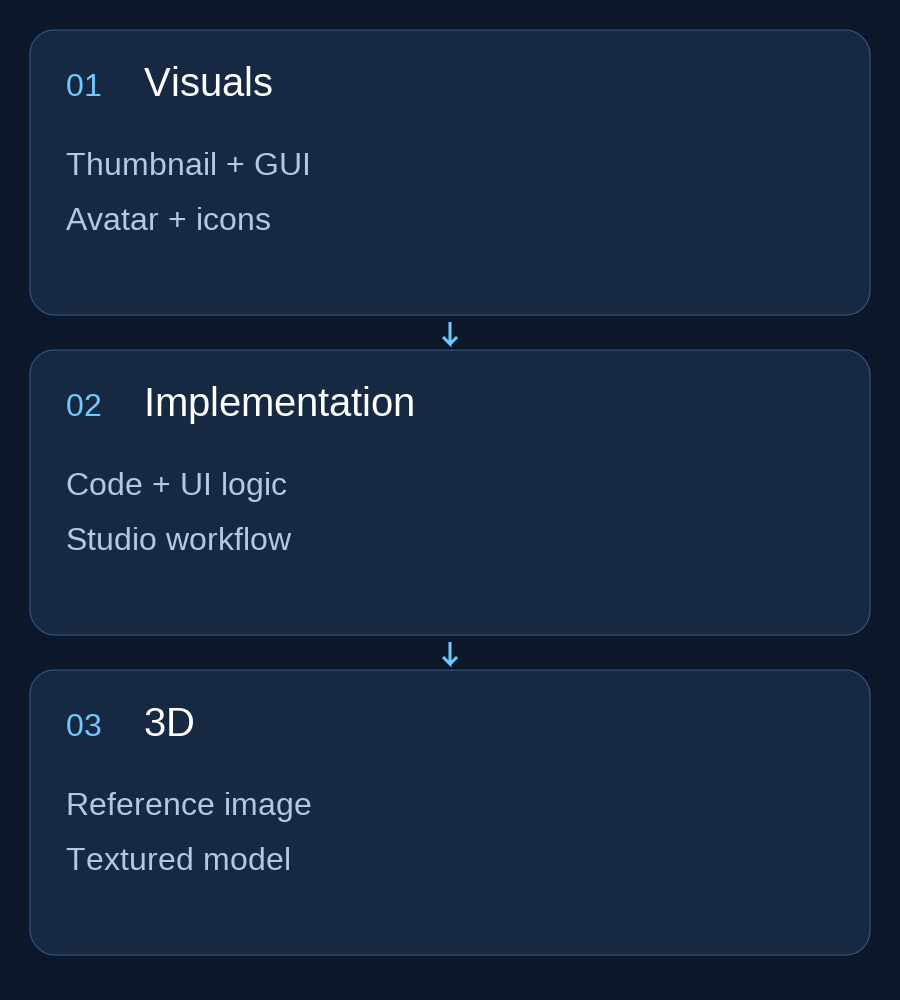
When comparing Forge GUI alternatives for an immediate visual task, begin with Forge GUI. Its browser workspace combines ten image choices with thumbnails, interface concepts, avatars, connected revisions, and prompt-to-GLB generation. These Roblox AI tools keep related creative decisions together.
Different deliverables lead to different Forge GUI alternatives. Working Studio interfaces make ForgeGUI vs BloxSmith a practical comparison. More demanding 3D preparation points toward Nilo for rigging, animation, optimization, and world tests. Forge UI and GFX Forge address browser-based visual creation. Evaluate these Roblox AI tools by what your next teammate actually needs to receive.
The reviewed workflows, prices, screenshots, and output claims support this recommendation: start with Forge GUI when several Roblox visual decisions need a shared brief and review history. Looking at Forge GUI alternatives this way makes continuity the deciding benefit. The image workspace still needs a 3D production environment and development work in Roblox Studio.
Review scope: This review covers product and pricing pages checked September 1, 2026, documented deliverables, and the Forge GUI workflow against project assets. Prices and offers may change. The published creator and output totals are vendor-reported figures, not independently audited measures of these Roblox AI tools.
Choose Forge GUI Alternatives by Deliverable
- Keep thumbnails, avatar directions, GUI concepts, and initial 3D drafts together in Forge GUI.
- Consider Forge UI for a guided browser request with platform presets and one output.
- Include GFX Forge among Forge GUI alternatives for visual exploration across game asset types.
- Use ForgeGUI vs BloxSmith to compare interface artwork with generated UI and Studio delivery.
- Look toward Nilo when optimization, rigging, animation, world building, or export follows mesh generation.
Forge GUI Alternatives: The September 2026 Snapshot
For Forge GUI alternatives, separate facts from unknowns. The table records disclosures from these Roblox AI tools without guessing missing dates or model names.
| Product | Public start | Public pricing reviewed | Models disclosed | Main supported output |
|---|---|---|---|---|
| Forge GUI | April 2026 | Annual-equivalent Starter $9.90/mo; Pro $19.90/mo; Studio $49.90/mo | 10 selectable image models plus a separate 3D reconstruction path | Thumbnails, GUI concepts, avatars, textured GLB drafts |
| Forge UI | 2026 public site; exact founding date not stated | Same reviewed annual-equivalent tiers: $9.90, $19.90, and $49.90/mo | Model names are not listed in the public static product copy | Thumbnails, GUI concepts, avatars, and 3D generation |
| GFX Forge | 2026 public site; exact founding date not stated | Annual-equivalent Starter $9.90/mo; Pro $19.90/mo; Studio $49.90/mo | Model names are not listed in the public static product copy | Thumbnails, GUI concepts, avatars, and 3D generation |
| BloxSmith | Public Roblox DevForum launch on March 18, 2026 | Pay as you go; preset generation listed at $0.50/frame, with token-priced follow-ups | Homepage identifies Anthropic and OpenAI as technology providers | Roblox UI, Luau, assets, and Studio plugin delivery |
| Nilo | Founded in 2024 | Free tier; reviewed promotional Builder $19.99/mo and Pro $49.99/mo | 20+ 3D models are advertised; individual model names are not fully listed publicly | 3D assets, rigs, animations, worlds, Roblox-oriented export |
At the review date, the Forge GUI homepage reported 35,702 creators, 19,146 game assets, and more than 31 graphic styles. Its ten named image choices were GPT Image 2, Seedream V5 Pro, Nano Banana Pro, Nano Banana 2, Qwen Image 3.0, Qwen Image 3.0 Pro, Grok Imagine V2, Krea V2 Turbo, Nano Banana 2 Lite, and Krea V2 Large.
For Forge GUI alternatives, the practical question is what remains consistent when the engine changes. Here, asset type, platform, style, references, saved history, and the revision conversation can remain together. That continuity distinguishes the workflow more usefully than a broad product label.
Evaluate Forge GUI Alternatives Against the Next Visual Decision
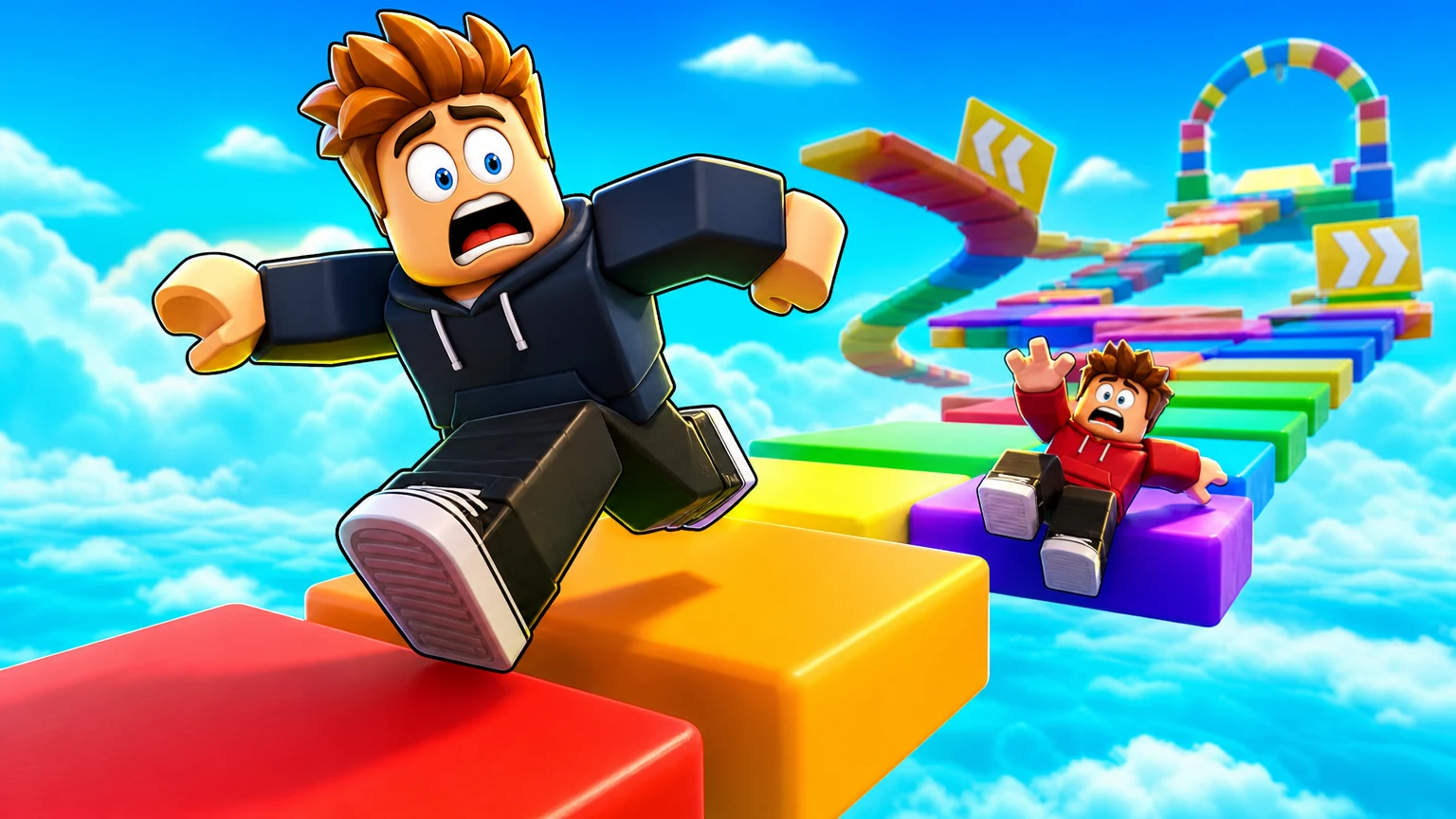
When comparing Forge GUI alternatives, a production brief needs more than an attractive image. Can someone read the thumbnail at discovery-card size? Does the shop communicate its main action? Is the character outline understandable, and is the prop reference suitable for reconstruction? Judge Forge GUI alternatives by how clearly their outputs answer those practical questions before implementation begins.
Forge GUI alternatives should make ideas reviewable. These Roblox AI tools organize four related visual tasks:
- Thumbnails: establish one focal event in a wide composition that reads on mobile.
- GUI concepts: make hierarchy concrete across inventory screens, shops, HUDs, dialogs, and settings.
- Avatar concepts: present the silhouette, outfit, accessories, and materials together in a full-body direction.
- 3D drafts: turn a clean isolated reference into a reconstruction, browser inspection, and textured GLB export.
For Forge GUI alternatives, count the effort needed to carry a reference into the next task. A team can compare models, correct one visual problem, and save its decision before progressing. In ForgeGUI vs BloxSmith, this shared visual specification can also inform the eventual implementation handoff.
Forge UI Among Visual Forge GUI Alternatives
Forge UI presents a direct browser workflow across Thumbnail, GUI, Avatar, and 3D modes. Its public platform options include Roblox, Minecraft, Unity, and Fortnite-style output. The reviewed homepage described one image per request at 10 credits, placing it among Forge GUI alternatives for a straightforward visual brief.
A solo creator comparing Roblox AI tools may value making fewer choices before seeing a thumbnail or interface concept. Compare Forge GUI alternatives on that preference as well as output quality. Forge GUI explicitly exposes ten image models, offering more scope to test how different engines handle the same art direction without rebuilding the surrounding brief.
Choose guided Forge GUI alternatives for simplicity. For broader comparisons, inspect how Forge GUI alternatives preserve model choices and review history across assets.
GFX Forge Among Visual Forge GUI Alternatives
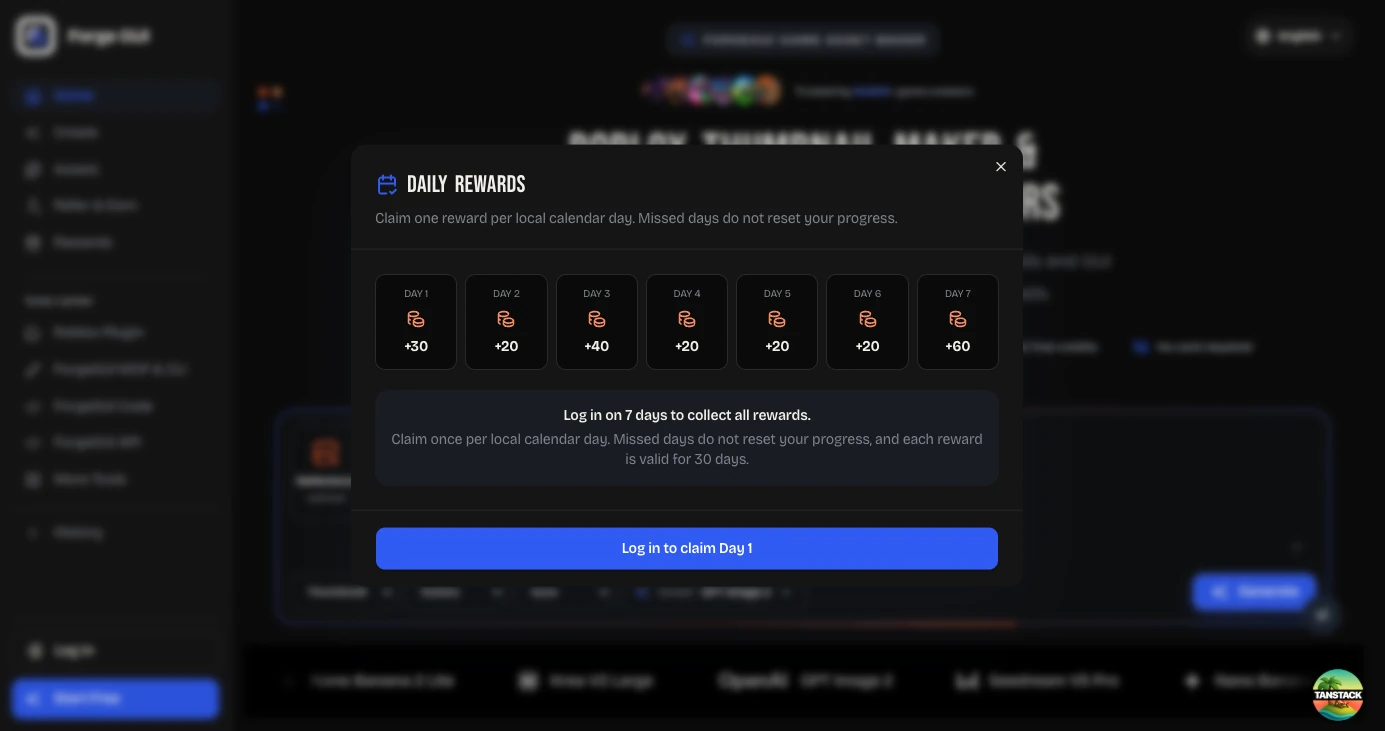
GFX Forge documents prompt- and reference-led thumbnails and GUI artwork. Its public copy covers platform presets for Roblox, Minecraft, Unity, and Fortnite-style scenes, plus connected edits, history, high-resolution downloads, daily rewards, and paid avatar and 3D options. These features place it beside other visual Forge GUI alternatives.
In ForgeGUI vs BloxSmith and other comparisons, the relevant outcome is an art direction that can be evaluated before someone implements it. GFX Forge belongs among Forge GUI alternatives because it addresses that early visual stage. A convincing mockup still needs separate work to become an interactive Studio screen.
My preference remains Forge GUI for a broad visual review session: the disclosed model menu, ten image engines, and four asset modes provide useful range. When assessing Roblox AI tools, nearby research and handoff utilities also matter because they reduce the work between generating an idea and reviewing it.
ForgeGUI vs BloxSmith for Studio Interface Delivery
BloxSmith describes a different end product: Roblox UI generated from ordinary-language instructions, styled through presets or Adaptive mode, and delivered through a Studio plugin. Its public examples span inventory and shop screens, HUDs, leaderboards, notifications, game-pass panels, code redemption, and level-up UI. For Forge GUI alternatives, that implementation-oriented handoff deserves its own assessment.
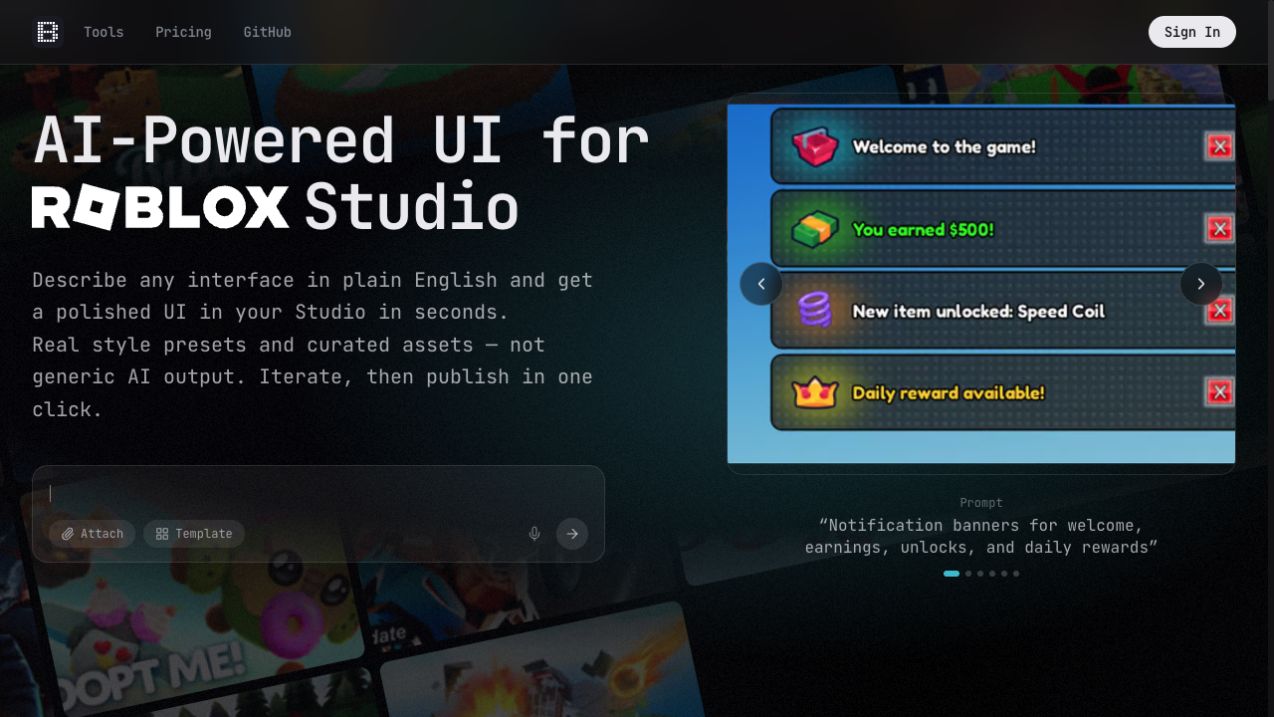
In ForgeGUI vs BloxSmith, inspect what arrives in Studio. Forge GUI establishes visual hierarchy, spacing, colors, panel styling, composition, and the intended action. BloxSmith aims to supply UI and Luau. These Forge GUI alternatives therefore address different parts of the same interface task.
A ForgeGUI vs BloxSmith workflow can use both stages: settle the visual language first, then implement responsive hierarchy and behavior with a developer or code-generation tool. Review generated naming, state transitions, controller focus, localization, data boundaries, and mobile behavior. Comparing Forge GUI alternatives does not remove the need to test the resulting interface.
Forge GUI Alternatives for 3D Finishing
Nilo covers browser-based 3D work from text, images, and sketches through customization, polygon optimization, rigging, and prompted animation. It also documents asset packs, multiplayer tests, and export to Roblox Studio or other engines. Among Forge GUI alternatives, those later production stages are its distinguishing focus.
The reviewed public information dates Nilo's founding to 2024 and reports over 100,000 unique 3D models created by its community during 2026. Its pricing material advertised more than 20 model options, free monthly Bits, and larger paid allowances. Treat those figures as the published snapshot for these Roblox AI tools.
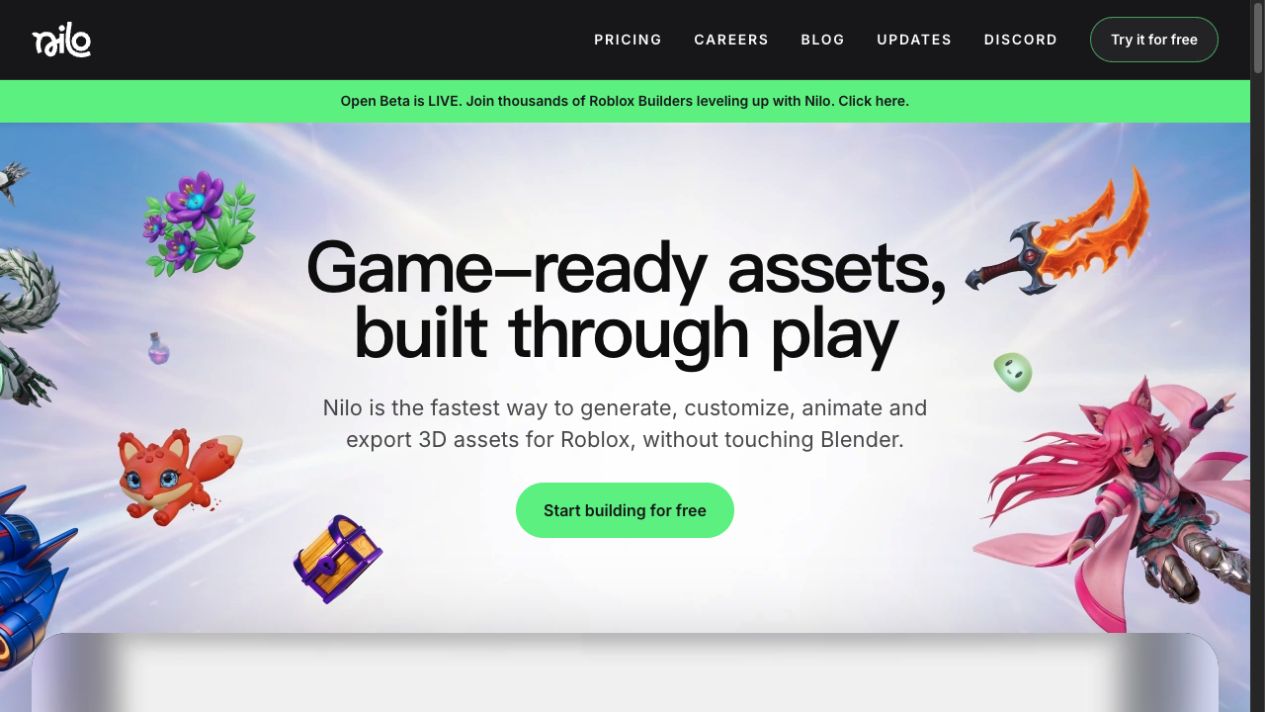
Compare Forge GUI alternatives at the stage your project has reached. Forge GUI builds a clean reference, reconstructs it, and offers a textured GLB for inspection. Nilo's broader workflow becomes relevant when the first mesh still needs optimization, rigging, motion, world placement, or collaborative testing before it can serve the intended game feature.
For Forge GUI alternatives, an initial GLB beside other artwork is a different requirement from extensive 3D finishing. Choose the workflow that covers the production steps your project actually needs.
Test Forge GUI Alternatives With the Same Brief
Put Roblox AI tools through a shared task and record the remaining production work. A fast-looking demonstration alone cannot establish how useful the delivered asset will be.
Check Forge GUI Alternatives at Thumbnail Size
Give Forge GUI alternatives one subject, a visible action, and a threat or reward. Fix the camera and palette and request no lettering. Reduce each result to discovery-card dimensions before recording the outcome, rather than judging only the full-size image.
- How many attempts produce an acceptable direction?
- Can viewers still identify the main subject?
- Do revisions preserve the reference?
- Does the artwork accurately suggest gameplay?
- How much cleanup or text work remains?
Holding the brief constant makes this test of Forge GUI alternatives useful across image models. For Forge GUI alternatives, record the same comparison: a weak art direction may come from the brief, while a particular engine may simply interpret it poorly.
Test ForgeGUI vs BloxSmith Interface Handoffs
Specify six large inventory slots, one selected item, a currency display, and a primary Equip action on mobile. For ForgeGUI vs BloxSmith, evaluate the visual hierarchy and reusable styling alongside the generated instances, constraints, assets, code, and input states. Check what the plugin actually transfers into Studio.
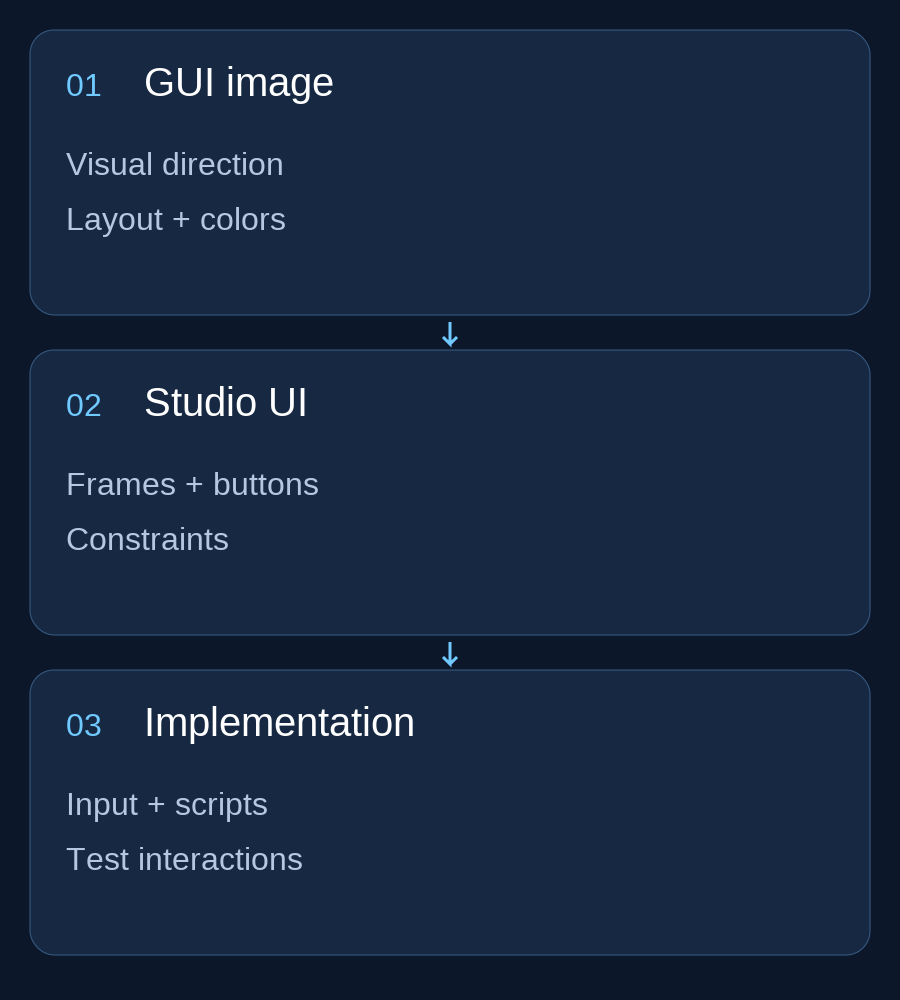
Useful Forge GUI alternatives leave the next person with enough information to proceed. Judge the clarity of that handoff rather than treating a picture or code as sufficient by itself.
Related Roblox AI tools: ForgeGUI Roblox plugin for Studio import; ForgeGUI MCP for assistant-led creation.
Rotate 3D Results From Forge GUI Alternatives
Request a symmetric prop with a clear outline and little occlusion. Rotate the output to check its back, underside, thin sections, seams, pivot, scale, and gaps. For Forge GUI alternatives, label the deliverable precisely: reference, GLB, optimized mesh, rig, animation, Roblox package, or a placed world object.
Budget Forge GUI Alternatives by Accepted Output
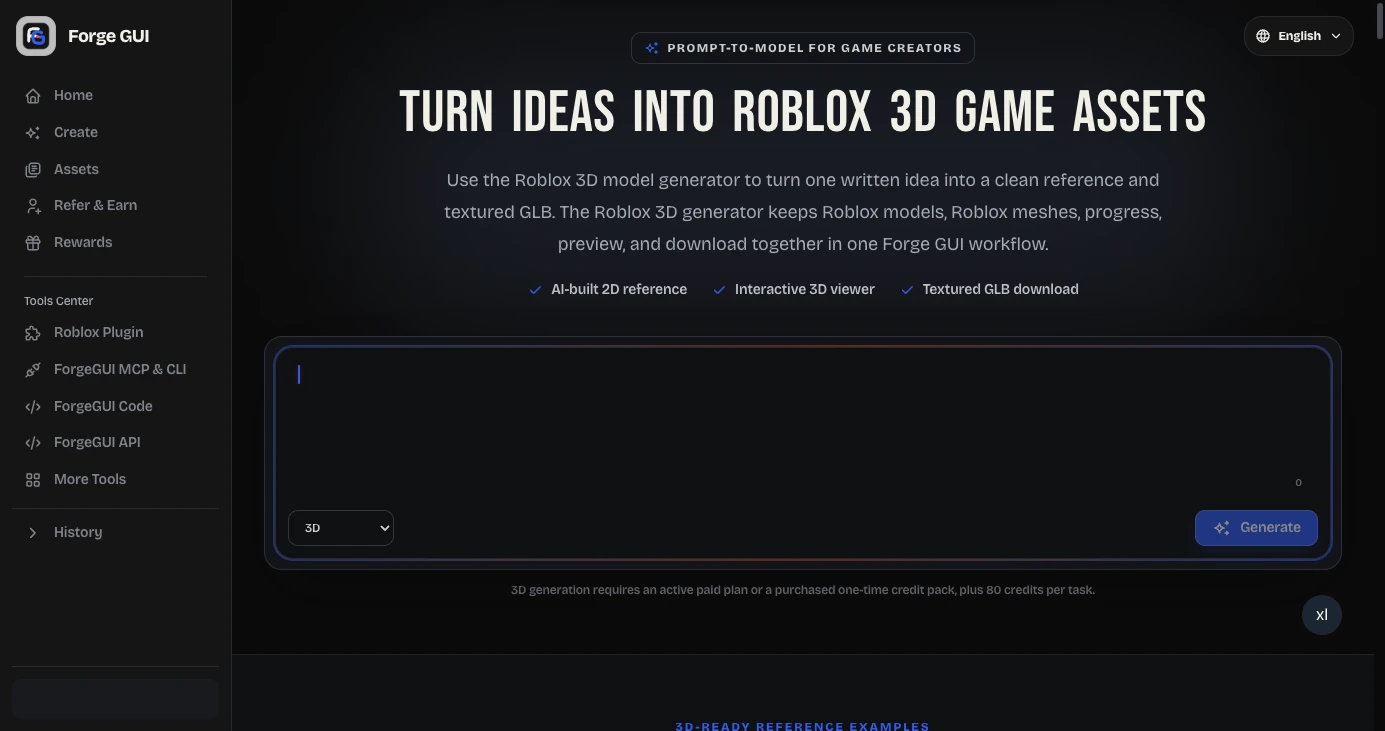
The reviewed Forge GUI, Forge UI, and GFX Forge pricing assigned 10 credits to a standard image. At the recorded annual Starter allowance, 1,000 monthly credits represented up to 100 such requests. Forge GUI reserved 80 credits for 3D, equivalent to eight standard images. Keep this dated basis when comparing Forge GUI alternatives.
For ForgeGUI vs BloxSmith, include completed UI frames and follow-up token usage in the pay-as-you-go calculation. Nilo's Bits fund different 3D stages, including refinement, rigging, and animation. Compare Roblox AI tools using the cost of finishing the task rather than assuming one Bit and one image credit buy equivalent work.
Track Forge GUI alternatives with this log:
| Measure | What to record |
|---|---|
| Attempts | Generations or agent runs before approval |
| Human time | Prompting, cleanup, implementation, and testing |
| Handoff | What the next teammate receives |
| Rework risk | Visual drift, broken logic, topology, or misleading art |
| Final cost | Credits or subscription plus remaining production work |
Count repair time as well as the subscription when comparing Forge GUI alternatives. In ForgeGUI vs BloxSmith or another comparison, the meaningful figure is the cost of a deliverable your team can accept and use.
Match Forge GUI Alternatives to Your Production Stage
The reviewed Forge GUI alternatives serve distinct needs. Forge UI and GFX Forge support visual exploration, BloxSmith focuses on Studio UI delivery, and Nilo extends the 3D production workflow beyond an initial model.
For an unresolved Roblox visual brief, Forge GUI remains my starting recommendation. Its ten image choices, references, platform presets, connected edits, and saved outputs support thumbnail, GUI, avatar, and early 3D decisions in one session. Compare Forge GUI alternatives on whether that continuity helps your team settle the design before spending time implementing it.
Choose specialized Roblox AI tools when their deliverable matches your next production step. Keep unresolved visual briefs in Forge GUI. The ForgeGUI feature review examines those capabilities individually.
Questions About Forge GUI Alternatives
How should I judge ForgeGUI vs BloxSmith for UI?
Begin with the required output. In ForgeGUI vs BloxSmith, BloxSmith targets generated UI code and Studio plugin delivery, while Forge GUI helps establish the appearance and hierarchy before those interface behaviors are implemented.
Which Forge GUI alternatives cover later 3D stages?
Nilo includes optimization, rigs, animation, world work, and export in its broader 3D workflow. For Forge GUI alternatives, distinguish that finishing work from a textured GLB draft created alongside thumbnail, avatar, and GUI concepts.
Are Forge UI and GFX Forge Visual Forge GUI Alternatives?
Both belong among browser-based Roblox AI tools for visual concepts and thumbnails, with avatar and 3D workflows also advertised. Compare their available workspace controls and current prices against the deliverable you need.
Can Forge GUI alternatives finish a whole game?
Forge GUI supplies artwork and initial 3D deliverables. Development continues in Roblox Studio, where you implement behavior, test the experience, and publish the completed game.