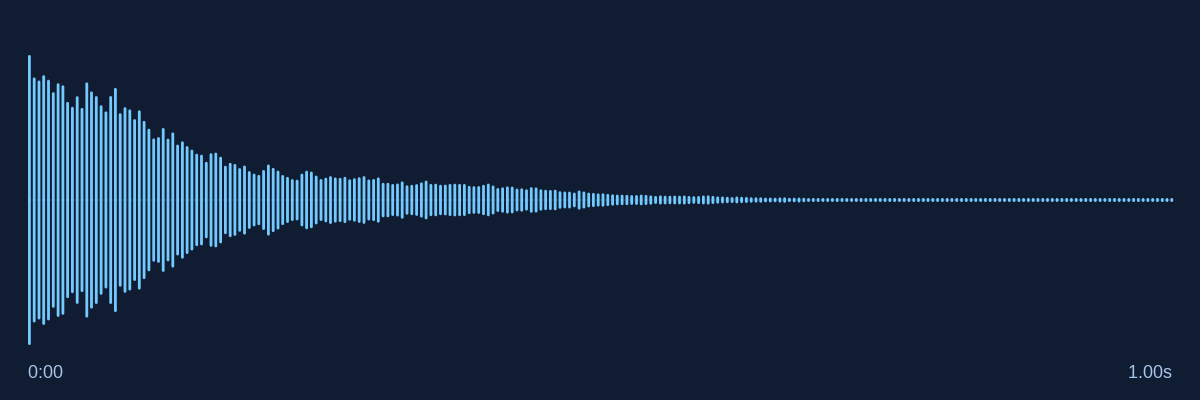
Collect a coin
Mark a pickup with bright Roblox sound feedback and a brief sparkling finish.
Give gameplay Roblox sound effects
Shape Roblox sound effects for button feedback, pickups, movement, and combat.
Mark a pickup with bright Roblox sound feedback and a brief sparkling finish.
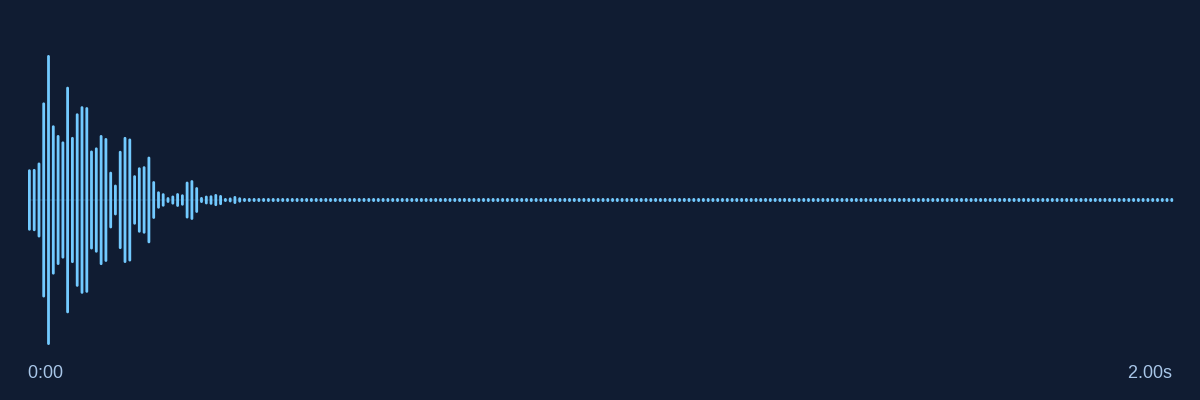
Give each Roblox sound effect a short movement rhythm that suggests the character's contact with the surface.
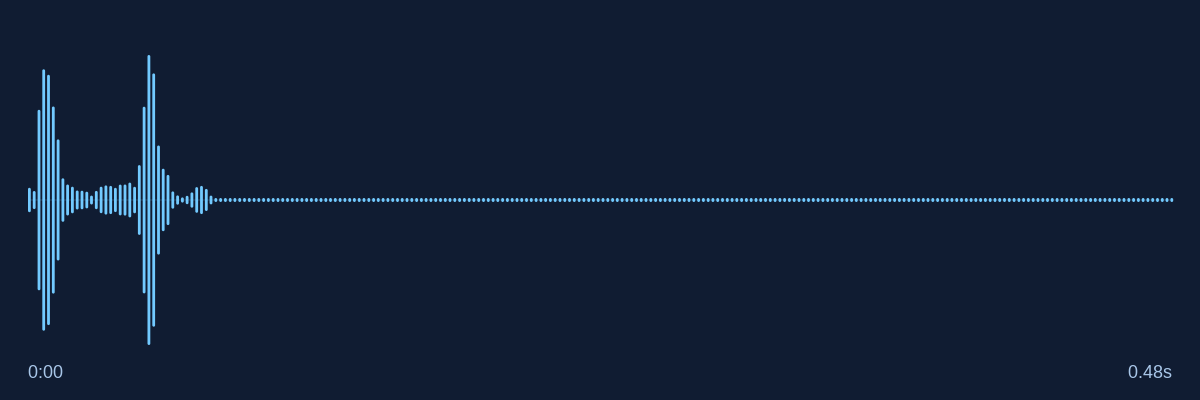
A small crystal Roblox sound effect suits a menu, inventory slot, or shop button.
Your Roblox sound effects workflow
Begin with SFX selected and choose the moment your Roblox sound effect should emphasize. Audition your Roblox sound effects before deciding how they fit the intended scene.
Describe the action, material, mood, and desired length. Give your Roblox sound effect a concrete source, such as a coin chime, stone footstep, or gentle interface click.
Use an active paid subscription or purchased credit pack and 10 credits. Listen to the Roblox SFX result, checking its opening, perceived volume, and ending before continuing.
Download the file and follow Roblox upload and permission rules. Test Roblox sound effects during gameplay, alongside music and other audio, to confirm the important cue remains recognizable.Roblox audio upload and permission requirements
Describe your Roblox sound effects
Explore Roblox sound effects without setting up a recording session. Describe the intended Roblox sound effect, audition the output against your scene, and retain the direction that fits.
Give Roblox sound effects an identifiable source and action. Describe the feeling each Roblox sound effect should convey and the gameplay moment so the generated noise has a clear purpose.
Request 0.5–22 seconds in your Roblox sound effect brief. Short Roblox sound effects can acknowledge a pickup or click; longer audio gives environmental detail more space to develop.
Audition completed Roblox SFX before saving the MP3. Check how sharply it begins and how its tail fades, then compare that Roblox sound with surrounding game audio.
Find completed Roblox sound effects in account history. Return to a saved Roblox sound effect when another menu, level, or update needs a related tone and recognizable audio identity.
Plan your Roblox sound effects brief
A useful Roblox sound effect request describes one audible event. Keep the source and intended response clear instead of asking for a scene filled with unrelated noises.
Describe a door creaking, a boot striking stone, or a spinning coin. Give the Roblox sound effect an action and source, then use the Roblox sound result to check whether that event is recognizable.
For one Roblox sound effect, try crisp and playful, heavy and metallic, or distant and soft. Roblox sound effects for a welcoming shop should communicate a different mood from the same action in a frightening scene.
State the desired length and whether each Roblox sound effect should loop. Audition repeating Roblox sound effects across the join yourself, since requesting a loop cannot guarantee that its start and end connect inaudibly.
Change a soft impact or shorten the tail before rewriting the whole brief. Each Roblox SFX request uses credits, so identify the issue in the current Roblox sound and target one deliberate improvement.
Roblox sound effects for player actions
Choose Roblox sound effects that complement one another across your game. A consistent Roblox sound palette lets key actions stand out without every cue demanding equal attention.
A restrained click can confirm a button press, inventory change, or shop action. Keep these Roblox sound effects brief enough to acknowledge input without overwhelming gameplay.
Make common pickups recognizable with a short, bright cue. Save a more expressive Roblox sound effect for a rare collectible or completed quest, preserving a useful contrast between rewards.
Include stone, grass, or wood in the brief alongside the movement. Roblox sound effects can then help communicate where a character is walking through the scene.
Brief Roblox SFX around a shield strike, energy discharge, or heavy landing. Keep the main impact distinct enough to provide useful feedback during combat.
Use wind, rainfall, or machinery as Roblox SFX to suggest the setting. Compare repeating Roblox sound effects with music and dialogue before choosing how prominently that Roblox sound should play.
Use a related Roblox SFX success tone across checkpoints so players learn its meaning. A short Roblox sound effect can make progress recognizable without requiring another visual message.
Roblox sound effects for small teams
Use Forge GUI to test how Roblox sound effects fit the world you are designing. Keep Roblox SFX decisions close to the other assets that establish the experience's personality.
Describe Roblox sound effects in ordinary language and audition the Roblox SFX result. You can explore a direction without first obtaining a microphone, treating a recording space, or learning an audio workstation.
A potion shop and futuristic arena call for different Roblox SFX weight and character. Brief each Roblox sound effect around its setting, then judge that Roblox sound in the intended context.
Develop thumbnails, interface concepts, and Roblox SFX within the same product. Revisit completed audio in history as you refine a more coherent visual and audible identity for the game.
Creator Workflows
ForgeGUI Roblox workflows help creators compare thumbnail directions, sharpen prompt ideas, and maintain steady production across launches, updates, events, and concepts.
This is the first thumbnail draft I've felt really excited to finish 😭 The palette took a few attempts to get right. I edited the backdrop and repositioned the title myself afterward. Starting from an image instead of an empty canvas made it much easier to decide what needed changing next.
Needed a thumbnail, then stayed to try menu designs too. Unexpectedly fun to explore lol
Lo uso para explorar opciones antes de dibujar. A veces toca repetir, pero una propuesta visual me ayuda a decidir cómo empezar.
Getting an image helps me figure out where to take the design. I still handle the details, especially lettering; more text controls would be nice. Last time I compared three moods for a thumbnail, chose a favorite, and added the words myself. Those options made the decision simpler.
My first game cover is finished! Pretty happy with this one :)
Für Entwürfe finde ich es praktisch. Nach zwei oder drei Versuchen passt meistens die Richtung.
When I'm stuck on colors, I compare different palettes here. Some drafts miss the mark, but one usually gives me a useful place to start designing.
做缩略图时先试几组配色,比盯着空白画布有思路多了哈哈,方向定了再修细节。
My menu idea was vague at first. Comparing several visual drafts helped me see which direction I wanted to build for the game.
Second attempt and the mood finally clicked for me ✨
Mi aiuta a mettere giù le idee. Rifinisco ancora tutto a mano, però partire da una base è più semplice.
サムネの下描き用です。配色を見比べて、お気に入りを探すのが楽しい😊
Fantasy menus are my main reason for using it. Some drafts needed redoing, but I've saved several promising ones.
썸네일에 어울리는 색을 찾을 때 켜요. 몇 가지 시도해 보니까 마음에 드는 분위기가 자연스럽게 잡히더라고요 ㅎㅎ
Told myself I'd try one last idea. Somehow my whole evening disappeared again haha
Check Roblox sound effects credits
Generate Roblox sound effects with a paid subscription or purchased one-time credit pack. A successful task delivers one MP3 for 10 credits from your available balance.
Check current Forge GUI options and your balance before requesting Roblox SFX. There is no separate audio subscription to purchase; select access that fits your expected creation workload.
Listen to the Roblox sound before submitting another request. New tasks and retries each use 10 credits. Confirmed failures return their credits after settlement; inspect the current task's status before starting over.
Billed $95.88 yearly
Save US$107 compared to paying monthly
1,000 credits/Month
up to 100 images/Month
Billed $239.88 yearly
Save US$120 compared to paying monthly
3,000 credits/Month
up to 300 images/Month
$5.99 / creator / month
Billed $719.88 yearly
Save US$839 compared to paying monthly
10,000 credits/Month
up to 1,000 images/Month
Any Questions? Email: support@forgegui.dev
Pay safely and securely with








 More
Roblox sound effects questions
Check Roblox SFX output format, prompt details, access requirements, and audio handoff before creating a cue for your game.
The request produces one short MP3 click, impact, step, pickup, or environmental cue. These Roblox sound effects support individual gameplay moments. Choose Music generation for instrumental tracks, then inspect the returned audio before placing it in the scene.
Brief Roblox SFX with the source, action, texture, and length within 450 characters. For example, request a gentle half-second crystal click with a short tail. Keep the Roblox sound focused on one event, making the result easier to judge than a sequence of unrelated noises.
Brief Roblox SFX for between 0.5 and 22 seconds; leaving duration unspecified uses the two-second default. Generated timing may differ from the requested length. Listen to Roblox sound effects before aligning them with movement or interface animation, and judge the actual opening and tail rather than relying only on the brief.
Describe the environment and explicitly request a loop. Check the Roblox sound effects during repeated playback, listening across the beginning and end. The request provides direction but does not guarantee an inaudible join in every generated result.
Listening to the supplied examples spends no credits. Creating Roblox sound effects needs a paid subscription or purchased one-time credit pack and 10 available credits per request. Check the current plan and balance first, including enough allowance for further attempts if you intend to compare several different audio directions.
Download completed Roblox sound effects as MP3 files after auditioning them in the workspace. Save a local project copy when you need one. This workflow does not provide WAV export, an audio editor, or multiple alternate versions in a single request; another generated Roblox sound requires a separate task.
Import the MP3 through Roblox under its audio requirements and experience permissions, allowing for moderation. Upload only permitted audio, then test the Roblox sound effects in the intended game. Downloading alone neither publishes the file nor establishes playback permissions.
Forge GUI returns a file rather than a Roblox identifier. Uploading through Roblox is a separate action. If your task needs an existing code instead of new Roblox sound effects, search the song ID directory and verify the selected asset's permissions before using it in an experience.
Read the applicable Forge GUI terms and destination-platform rules. Avoid asking for protected recordings or recognizable third-party audio to be copied. A generated Roblox sound effect does not establish exclusivity or authorize every possible use, so review the result and its intended role before releasing it commercially.
Confirmed failures return reserved credits. Successful Roblox SFX that does not fit needs another paid request for a new version. Change one detail, compare history, and contact support with task details if the account outcome needs investigation.
Pick one action players will hear repeatedly and describe its intended response. Create Roblox sound effects, audition the result, and keep the version that belongs in your world. A focused Roblox SFX brief gives the next attempt a clear purpose.
Describe your audio cue