Cape Information
- First observed player
- zpco
- Type
- Mojang · Java & Bedrock
- Texture Hash
7c418dfbd37412a55e9f1425c9807a591ad10cf71b1edb576a587be9114c277f
Explore your character’s Minecraft cape look
Inspect the Minecraft Aurora Cape, then describe an original character, skin, or texture concept. Your Minecraft cape idea begins with a visual brief.
Minecraft cape PNG and interactive preview
7c418dfbd37412a55e9f1425c9807a591ad10cf71b1edb576a587be9114c277fInspect the pastel bands and bright scattered pixels on this Minecraft cape. Turn the model for different angles, or choose elytra to view the wing pattern. Download saves the original PNG for pixel study; Screenshot captures the character view you have arranged.
A Minecraft cape PNG is artwork, not an account reward. The historical steps below explain the official claim process.
Texture and listing sourcesStudy Minecraft cape views
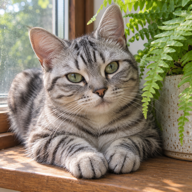
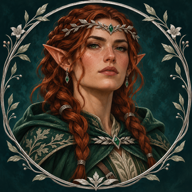
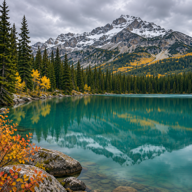
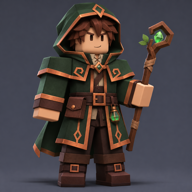
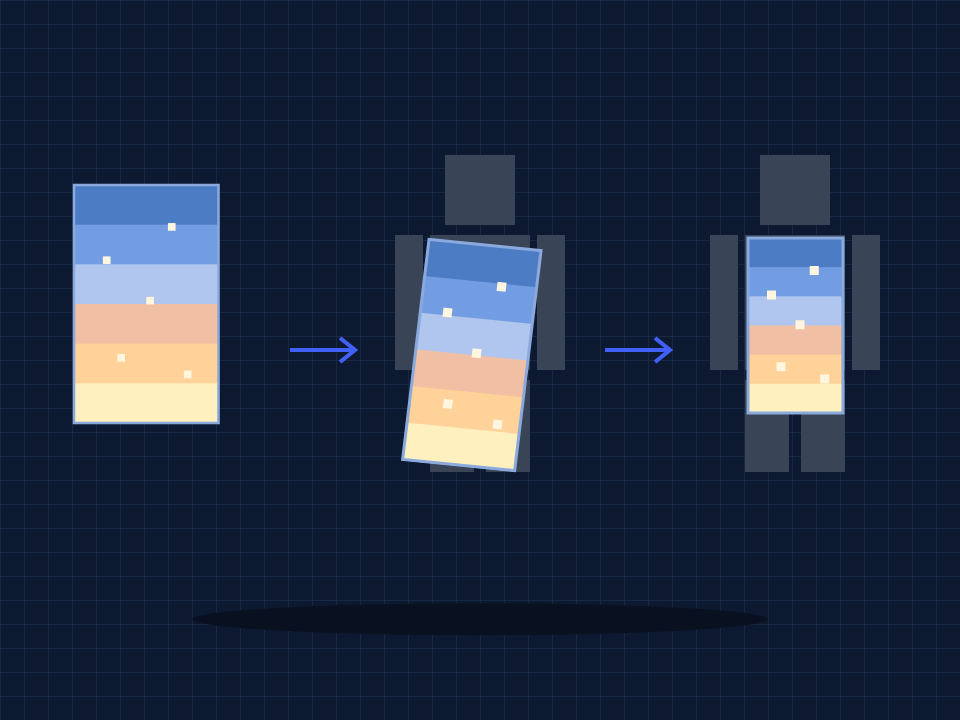
These original illustrations show what to inspect in a Minecraft cape and its effect on a character's back view. They are neither official textures nor gameplay screenshots.
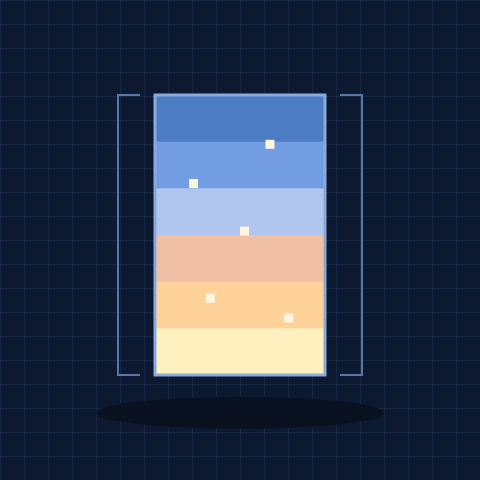
Step back and treat the Minecraft cape as a single shape. Its blue, orange, and yellow contrast suggests warm and cool tones you might repeat in clothing.
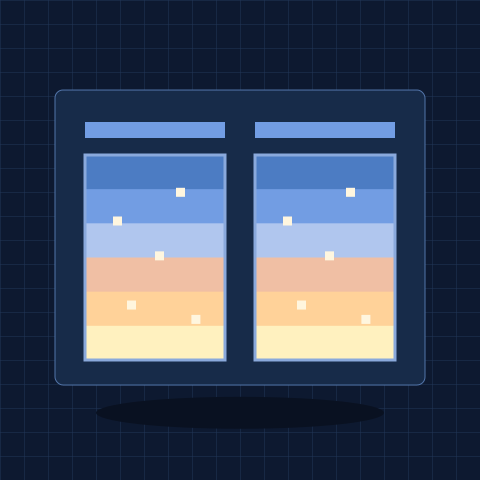
A Minecraft cape PNG lays surface regions flat. Those areas are mapped onto the model, which is why the image file can look different from the finished wearable view.
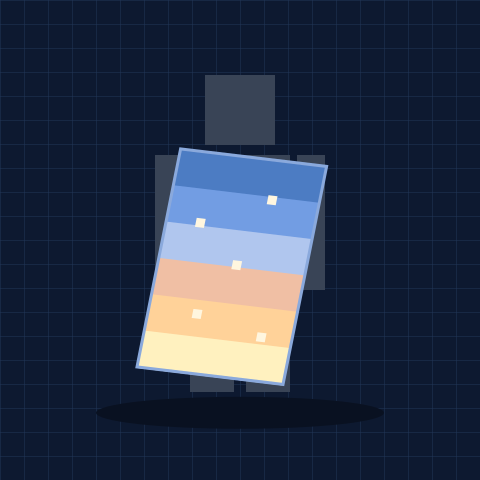
Rotate the Minecraft cape to examine its depth and overlap with the torso and arms. A rear picture cannot show every viewing angle.
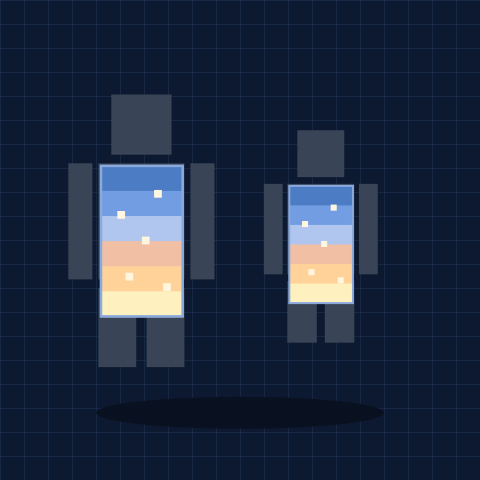
Give the Minecraft Aurora Cape a calmer outfit around it. Quiet clothing colors let its pattern remain prominent instead of competing with decorative details across every body surface.
Choose your Minecraft cape view
A PNG shows pixels, a viewer shows an outfit, and your account confirms ownership. Choose the format that answers your question before deciding the next step.
Open a Minecraft cape texture in a compatible image editor to study its colors and layout. The saved file contains visual data; it cannot grant the official item to your account.
The viewer maps a Minecraft cape onto a character. Rotate to inspect its sides and back; a screenshot preserves just one angle and pose.
The Minecraft Aurora Cape entitlement came through its published campaign and redemption steps. Keeping a matching image on your device is separate from having the cosmetic available to equip in Minecraft.
Describe a Minecraft cape inspired character scene in Forge GUI. Treat the result as planning for thumbnails or mood boards, not an equippable texture.
Compare Minecraft cape texture and appearance
Compare a Minecraft cape as a flat texture and on the model. Each view reveals different details, particularly with patterned clothing or bulky shoulders.
Look first at the broad color areas of the Minecraft cape. Reduce the viewing size and check whether the design remains recognizable from farther away.
Rotate the Minecraft Aurora Cape to check its position behind the shoulders. A side view of the Minecraft Aurora design can reveal overlap that a rear picture does not show.
Compare the Minecraft Aurora Cape with outfits in the same pose, background, and light. Consistent Minecraft Aurora views distinguish clothing colors from shadows created by the presentation.
Historical Minecraft cape reward steps
The livestream campaign and redemption deadlines have passed. This Minecraft cape guide records the published route; review the official announcement for eligibility details and any subsequent notices rather than treating it as an active offer.
The campaign ran September 29–October 14, 2026, for rewards-enabled Dungeons II livestreams. The stated minimum was 15 minutes on Twitch or 3 minutes on TikTok, counted while the stream was live.
Recorded viewing did not qualify. The participating livestream needed rewards enabled.
Eligible viewers received claim instructions in Twitch Inventory or TikTok Notifications. Collecting a code was separate from watching, and the participating platform handled distribution.
Keep reward codes private and verify the account associated with your claim.
The published deadline was October 31, 2026, at minecraft.net/redeem. The cosmetic was for Minecraft Java or Bedrock, not a wearable Dungeons II item. That redemption window has now ended.
Official announcement checked November 21, 2026. Follow its stated cutoff times and terms.
Check your Minecraft cape file
Before saving a Minecraft cape download, check its identity and original pixels. Confirm whether the listing provides a flat texture or a picture of the cosmetic.
A Minecraft cape render can include a lit character and scenery. For pixel study, choose the underlying PNG rather than cropping the cape out of a promotional screenshot.
Preserve the proportions and crisp edges of a Minecraft cape before experimenting. Scaling, smoothing, and stretching can blur pixels, so retain the source file for comparison with any edits.
Match the name and source to the Minecraft Aurora Cape. Similar pastel bands are not enough to establish that another image belongs to the same official item.
Download Cape saves the original Minecraft cape PNG for inspection. Importing the image neither performs official redemption nor changes your account inventory; the file shows a design, not ownership.
Read Minecraft cape listings carefully
Community catalogs show appearances they have observed. Read a Minecraft cape listing within that service's coverage, rather than as a complete inventory of eligible accounts.
A public Minecraft cape appearance shows how one skin and cape combine. It can guide outfit comparisons without revealing the player's complete cosmetic inventory.
Record the Minecraft cape name and when you viewed its listing. Counts may change as the service discovers profiles or refreshes previously recorded appearances.
Make the Minecraft Aurora Cape part of your visual brief. Label your concepts separately from official images and announcements so readers understand what they are viewing.
A Minecraft cape total needs a source and scope to be meaningful. A changing community count is not automatically a complete global ownership ranking.
Minecraft cape formats and purposes
Study Minecraft Aurora Cape pixels, compare an outfit, or confirm an account reward. Each question needs a different Minecraft Aurora source.
A Minecraft cape image lets you inspect pixel placement and colors closely. It contains neither a claim code nor proof that the person viewing or saving it owns the reward.
View the Minecraft Aurora Cape on a character to understand its overall look. Lighting and pose affect that presentation, so compare equivalent angles and conditions when judging outfit combinations.
An official Minecraft cape entitlement exists separately from downloaded pictures and rendered models. Check the account signed into your game when you need to confirm which cosmetics you can equip.
Creator Workflows
ForgeGUI Roblox workflows help creators compare thumbnail directions, sharpen prompt ideas, and maintain steady production across launches, updates, events, and concepts.
This is the first thumbnail draft I've felt really excited to finish 😭 The palette took a few attempts to get right. I edited the backdrop and repositioned the title myself afterward. Starting from an image instead of an empty canvas made it much easier to decide what needed changing next.
Needed a thumbnail, then stayed to try menu designs too. Unexpectedly fun to explore lol
Lo uso para explorar opciones antes de dibujar. A veces toca repetir, pero una propuesta visual me ayuda a decidir cómo empezar.
Getting an image helps me figure out where to take the design. I still handle the details, especially lettering; more text controls would be nice. Last time I compared three moods for a thumbnail, chose a favorite, and added the words myself. Those options made the decision simpler.
My first game cover is finished! Pretty happy with this one :)
Für Entwürfe finde ich es praktisch. Nach zwei oder drei Versuchen passt meistens die Richtung.
When I'm stuck on colors, I compare different palettes here. Some drafts miss the mark, but one usually gives me a useful place to start designing.
做缩略图时先试几组配色,比盯着空白画布有思路多了哈哈,方向定了再修细节。
My menu idea was vague at first. Comparing several visual drafts helped me see which direction I wanted to build for the game.
Second attempt and the mood finally clicked for me ✨
Mi aiuta a mettere giù le idee. Rifinisco ancora tutto a mano, però partire da una base è più semplice.
サムネの下描き用です。配色を見比べて、お気に入りを探すのが楽しい😊
Fantasy menus are my main reason for using it. Some drafts needed redoing, but I've saved several promising ones.
썸네일에 어울리는 색을 찾을 때 켜요. 몇 가지 시도해 보니까 마음에 드는 분위기가 자연스럽게 잡히더라고요 ㅎㅎ
Told myself I'd try one last idea. Somehow my whole evening disappeared again haha
Before your Minecraft cape download
Separate the Minecraft Aurora Cape file, preview, concept, and official reward before choosing your next Minecraft Aurora reference.
The Minecraft Aurora Cape was a colorful official cosmetic from the Dungeons II launch promotion, worn in Minecraft itself. This guide explains the Aurora Cape texture, preview, design, and historical acquisition route.
Download Cape saves the original flat PNG. Screenshot saves the character view you arranged. Choose the Minecraft cape texture to inspect pixels, or the screenshot to preserve your chosen angle and pose.
Saving a Minecraft cape image does not change your cosmetic inventory. Official access follows the applicable campaign and redemption process. A PNG stores visual data, not an entitlement that Minecraft can assign to your account.
Drag the Minecraft cape model to rotate it, pause animation for a steady view, or reset the camera. Switch between cape and elytra, and consult the diagrams below for additional visual explanations.
Read the official announcement and participating platform instructions. This campaign's viewing and redemption deadlines have both passed. Check the time zones and later notices before assuming there is another opportunity to claim.
A game purchase and a viewing challenge are separate actions. Match the exact cosmetic to its published conditions before assuming another purchase bonus qualifies. An unrelated promotion does not establish eligibility for this reward.
Separate code receipt from completed redemption. Verify the Microsoft account, confirmation, and game edition, then contact official support with unresolved claim details. Community owner lists cannot diagnose your Minecraft cape entitlement.
A catalog reflects its service's observations, not necessarily all recipients. Minecraft cape coverage and refresh schedules differ. An absent player entry therefore does not prove that the account lacks the official cosmetic.
Forge GUI creates image concepts from your character, palette, or scene brief. Review them as visual ideas, not guaranteed wearable textures. The generator does not provide redemption codes or add official cosmetics to an account.
Echo one Minecraft Aurora Cape color in a small outfit detail and keep larger clothing areas quiet. Compare the combination at reduced size, checking whether the character still has a clear focal point.
Develop your own character scene
Describe the character, palette, setting, and composition. Forge GUI explores the visual direction, while official ownership remains separate. Start with a clear Minecraft cape concept, inspect the result, and refine what you can see.
Read the campaign's published viewing requirements, eligibility, and redemption deadlines.
See Crafty's catalog details and the player appearances it has observed.
Consult the community reference for more background on the Aurora Cape.