
Thumbnail
Introduce a game update through ForgeGUI API thumbnail generation. Pick a style and describe the central action, cast, and atmosphere, then inspect the single image returned by the request.
Build ForgeGUI API into the tools your team already uses. Request game imagery, clothing textures, models, audio, and animation while drawing from your existing account's credit balance.
Specify an asset type and a focused brief, then retrieve the result for inspection. Connect routine creative tasks through the forge gui roblox api and keep the final decision about each asset with your team.
Nine asset types. The same credits as your Forge GUI workspace.
Introduce a game update through ForgeGUI API thumbnail generation. Pick a style and describe the central action, cast, and atmosphere, then inspect the single image returned by the request.
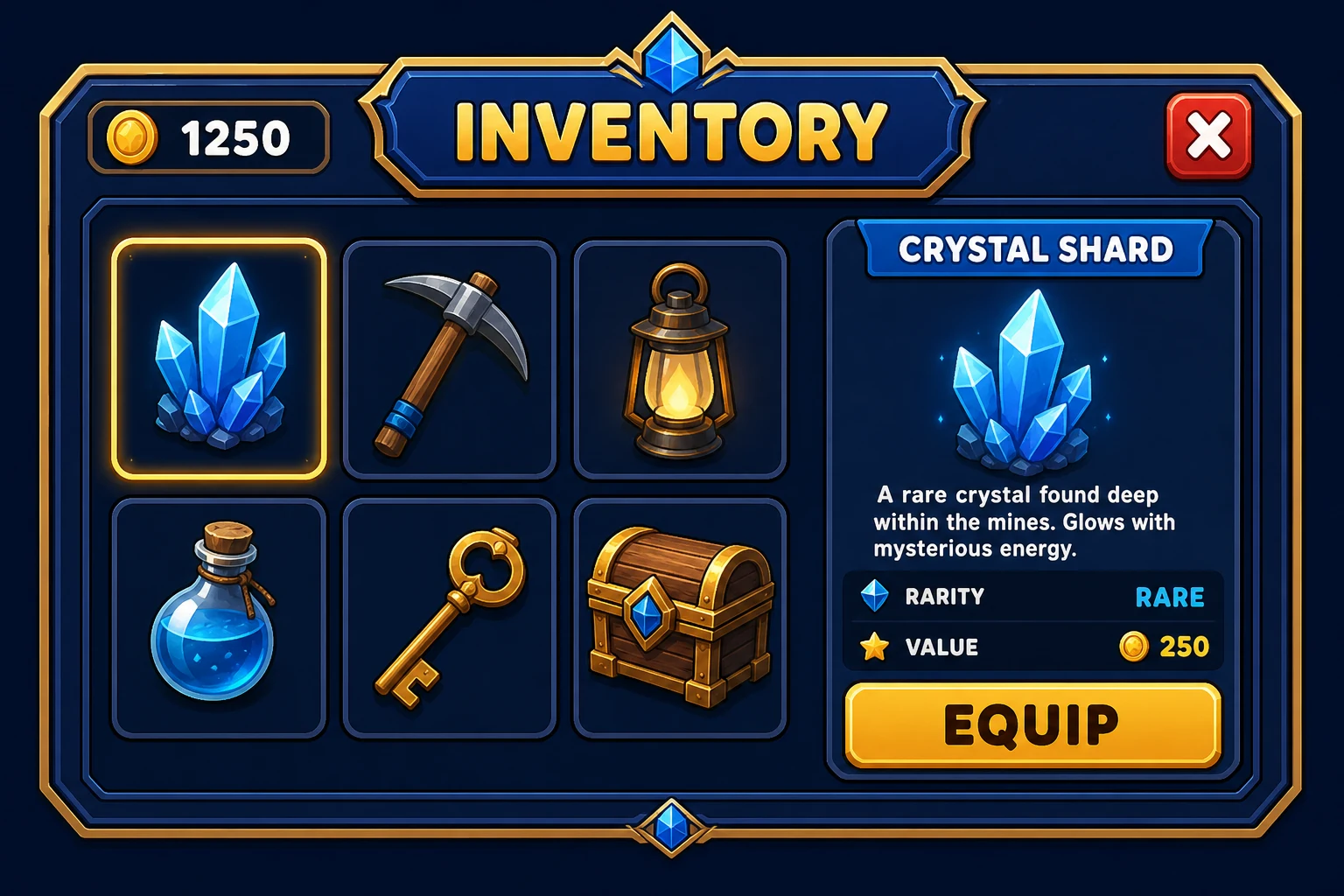
Plan menu or inventory visuals through ForgeGUI API. Specify labels and arrangement to receive artwork that informs your interface design, with interactive behavior developed separately.

Use the forge gui roblox api to explore an avatar's outfit, personality, or theme in one concept image. Supply references for visual direction and compare the generated character with other artwork in your asset library.

Brief ForgeGUI API on an icon's silhouette, surface, and backdrop. Review the square result at reduced size to see whether the object remains recognizable.
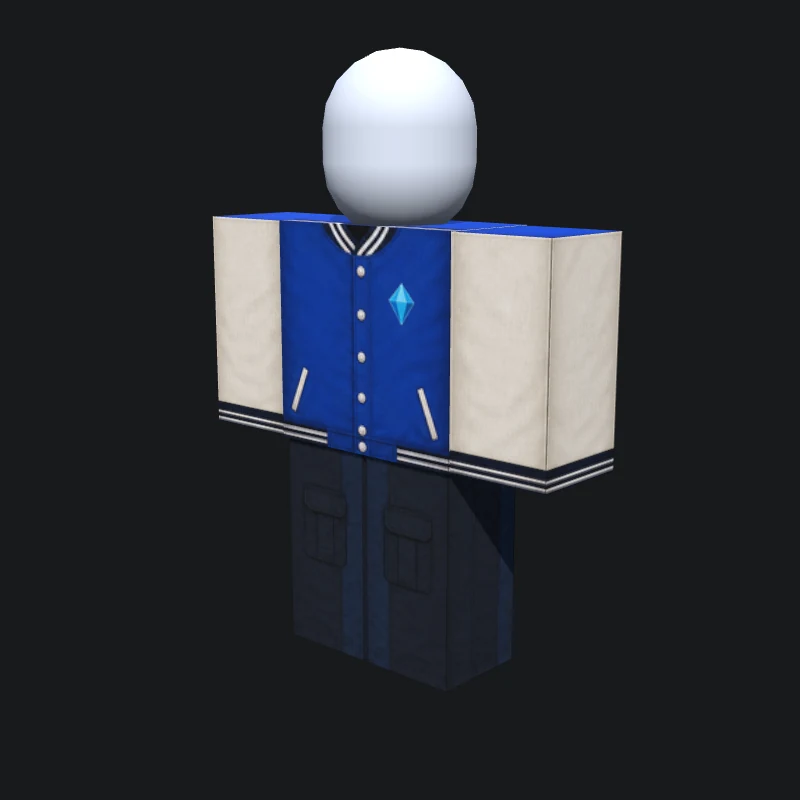
Request matching classic shirt and pants textures from ForgeGUI API. Inspect the two template images delivered together before adding the coordinated outfit to your clothing development workflow.
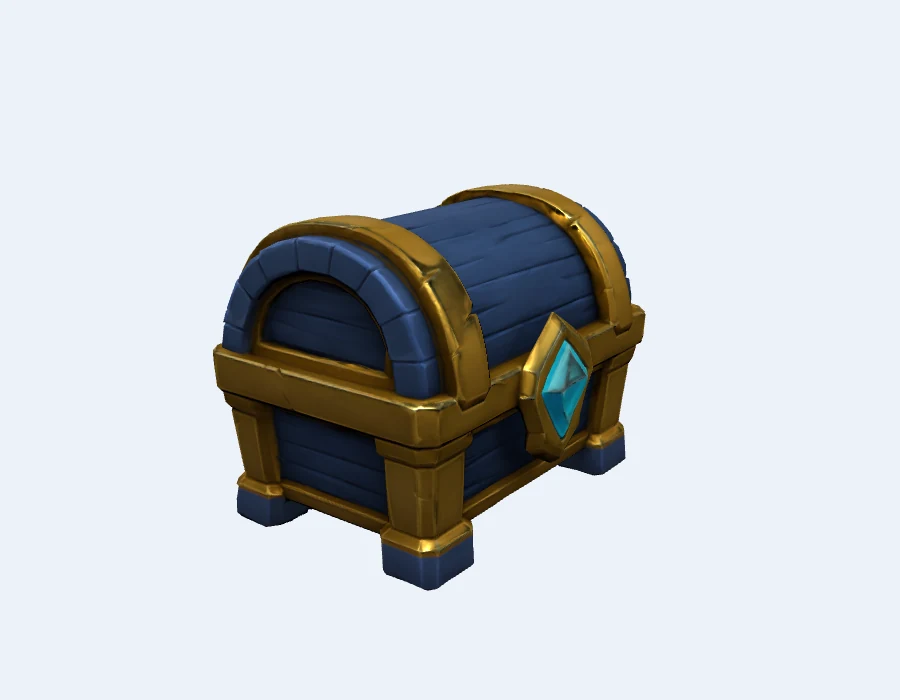
Define the outline and materials of a prop for the forge gui roblox api. Download its GLB result, then check dimensions and appearance in your preferred development environment.
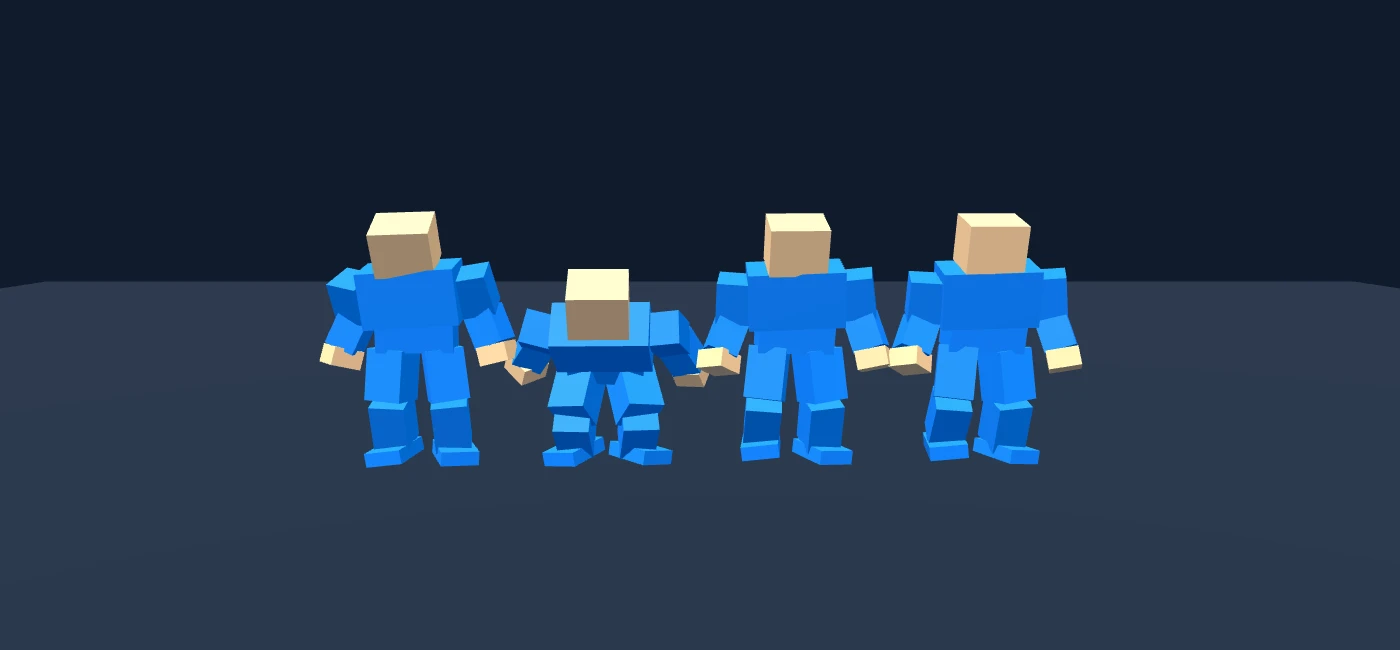
Generate an R15 action through ForgeGUI API by setting a motion brief and duration. Use the forge gui ai api to retrieve RBXMX output for inspection and import into your Roblox project.
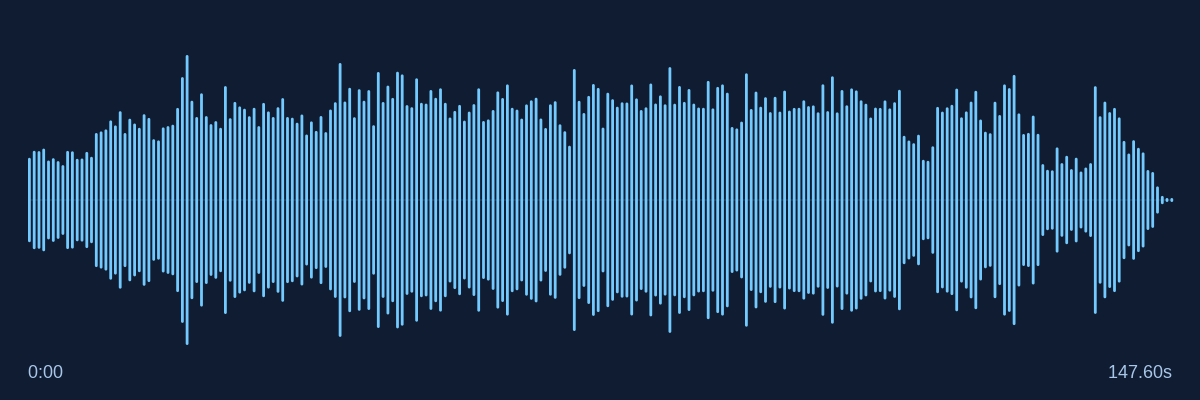
Describe a scene's musical atmosphere and instrumentation to ForgeGUI API. The request delivers two complete instrumental tracks. Compare both in context, choose the better fit, and access the audio beside your other generated assets.
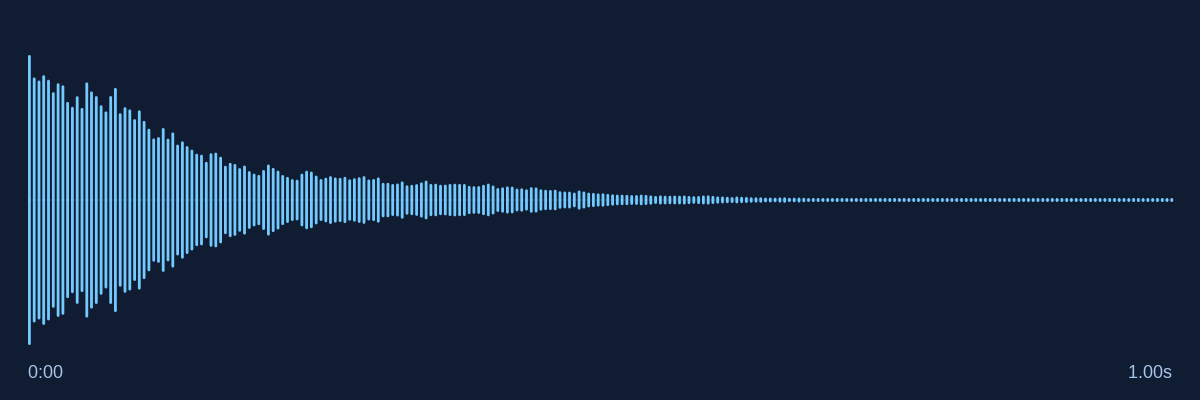
Set a sound category, length, and looping preference in ForgeGUI API. Receive one effect to audition in your scene; the forge gui ai api supports ideas for interface responses, movement, combat, and environmental audio.
Illustrative concept artwork. Review generated assets before using them in your game.
Name a new key in Dashboard, select its workspace, and store it securely for the forge gui ai api. Start a ForgeGUI API task with an explicit asset type, creative prompt, and supported settings.
Save the accepted task's identifier and poll for updates until it completes. The forge gui api lets your integration follow progress without operating a webhook receiver.
Retrieve completed files using your key and inspect the results. ForgeGUI API adds the generated assets and credit activity to the library and account history used by the website.
curl -X POST 'https://forgegui.dev/api/v1/generations' \
  -H "Authorization: Bearer $FORGEGUI_API_KEY" \
  -H 'Content-Type: application/json' \
  -H 'Idempotency-Key: castle-001' \
-d '{"type":"thumbnail","prompt":"A floating castle at sunset"}'curl 'https://forgegui.dev/api/v1/generations/gen_example' \
-H "Authorization: Bearer $FORGEGUI_API_KEY"{"type":"gui","prompt":"A fantasy inventory with six item slots"}{"type":"model_3d","prompt":"A wooden treasure chest with gold trim"}Your current paid eligibility and credit balance also apply to ForgeGUI API. API usage does not add a subscription or separate invoice. Team owners allocate member allowances through existing controls, and both website generation and API tasks count against those allowances.
A key remains bound to the workspace selected at creation, regardless of later website switches. API call labels identify results and spending. Integrate the forge gui api into team tools while retaining your usual review process for generated work.

SUPPORT
Start with a clear understanding of your workspace and credits.
Paid personal accounts and eligible paid team workspaces can use ForgeGUI API. A team member does not need another personal subscription to use the team workspace. Losing paid eligibility prevents new generation tasks; the forge gui api checks that requirement before accepting work.
Website and ForgeGUI API generation share pricing and credits, with no additional API subscription or independent balance. Query capabilities for current forge gui ai api costs. Include a maximum credit amount when submitting a task if you need a spending ceiling for that request.
The owner's member allowance and the team's remaining balance both constrain each request. Website usage also consumes that member allowance. A forge gui roblox api key always targets its original workspace, so changing the selected team in the website does not move an integration's charges to a different account.
Submit one generation unit to ForgeGUI API. Thumbnail, GUI, avatar, and icon types yield one image; 3D, sound effects, and animation each yield one principal result. Clothing produces paired shirt and pants templates, and music provides two tracks. Unsupported batch or count parameters cause forge gui ai api validation errors.
Declare the type and use its documented options. ForgeGUI API accepts thumbnail styles, applicable platform settings, sound effect category, length and looping, plus animation duration. Read the forge gui api documentation for defaults and allowed values across all nine types; unrecognized settings do not pass validation.
Upload a reference and pass its identifier to a compatible image request. ForgeGUI API can edit an accessible Thumbnail, GUI, Avatar, or Icon result when its type matches the request. The forge gui ai api verifies workspace permissions and ownership. Clothing instead generates a new matching outfit and cannot edit an existing one.
Expect PNG images, GLB models, downloadable music or SFX audio, and RBXMX animation from ForgeGUI API. Classic clothing includes separate shirt and pants templates. Read the final file details and authenticated download links supplied by the forge gui roblox api, then inspect the delivered work before publication.
ForgeGUI API creates GUI and avatar artwork, so buttons still need interaction code and an avatar image does not include a playable rig. Use the forge gui ai api to explore visual concepts, then develop the forge gui roblox api output into the working elements your experience requires.
Retain the identifier returned when ForgeGUI API accepts the task. Check its status until completion and authenticate with your key to fetch the resulting files. This version of the forge gui api uses polling without requiring webhook configuration; retrieve outputs once they are ready. Keep that identifier with your integration records so later checks refer to the same request.
The shared library shows ForgeGUI API generations alongside website results. API call labels also appear on credit activity, making their source identifiable. Your forge gui roblox api integration can list permitted assets, while teammates continue using the website's familiar library to review completed work.
Inspect the ForgeGUI API task outcome and settlement details together. Existing refund rules apply to failures. If only one clothing texture succeeds, retain that file while the failed piece is refunded. The forge gui ai api reports the separate results so you can retry the failed portion after settlement finishes.
After a dropped connection, resend the unchanged payload with its original idempotency key. ForgeGUI API resolves it to the existing task. For a completed failure, use the retry flow once reservations and refunds settle. The forge gui api treats a new creative variation as a separate forge gui ai api task with its own normal charge.
Store a ForgeGUI API key securely when it is first displayed; the full value cannot be retrieved later. Keep it server-side and out of browser code. Revoke a lost key and issue a replacement. The forge gui api cannot change its workspace binding, so create another key for a different forge gui roblox api workspace.
A valid ForgeGUI API key and asset-read permission are required. The forge gui roblox api respects sharing rules, including access removal when a member leaves. Deleted or expired files become unavailable even though task outcomes and credit records remain. Save required downloads while the files are retained and your account is still permitted to read them.
ForgeGUI API exposes your submitted brief, public task progress, and completed assets. Provider stages, internal instructions, and system prompts are not returned. The forge gui ai api does not upload content to Roblox for you. Review assets produced through the forge gui roblox api and handle their use or publication in your own workflow.
Build your forge gui api integration around one focused task. Issue a ForgeGUI API key, try quick-start, and inspect the completed asset in your shared library before extending the workflow to your team.
Prefer creating in an AI assistant? Try ForgeGUI MCP.