ForgeGUI Roblox: A 2026 Full Review
An honest ForgeGUI.dev review for Roblox creators covering AI thumbnails, GUI concepts, avatar workflows, 3D assets, prompts, pricing, and limitations.
Maggie Mann is a hands-on Roblox developer with more than 10 years of experience shipping gameplay, UI, and creator-facing production workflows.
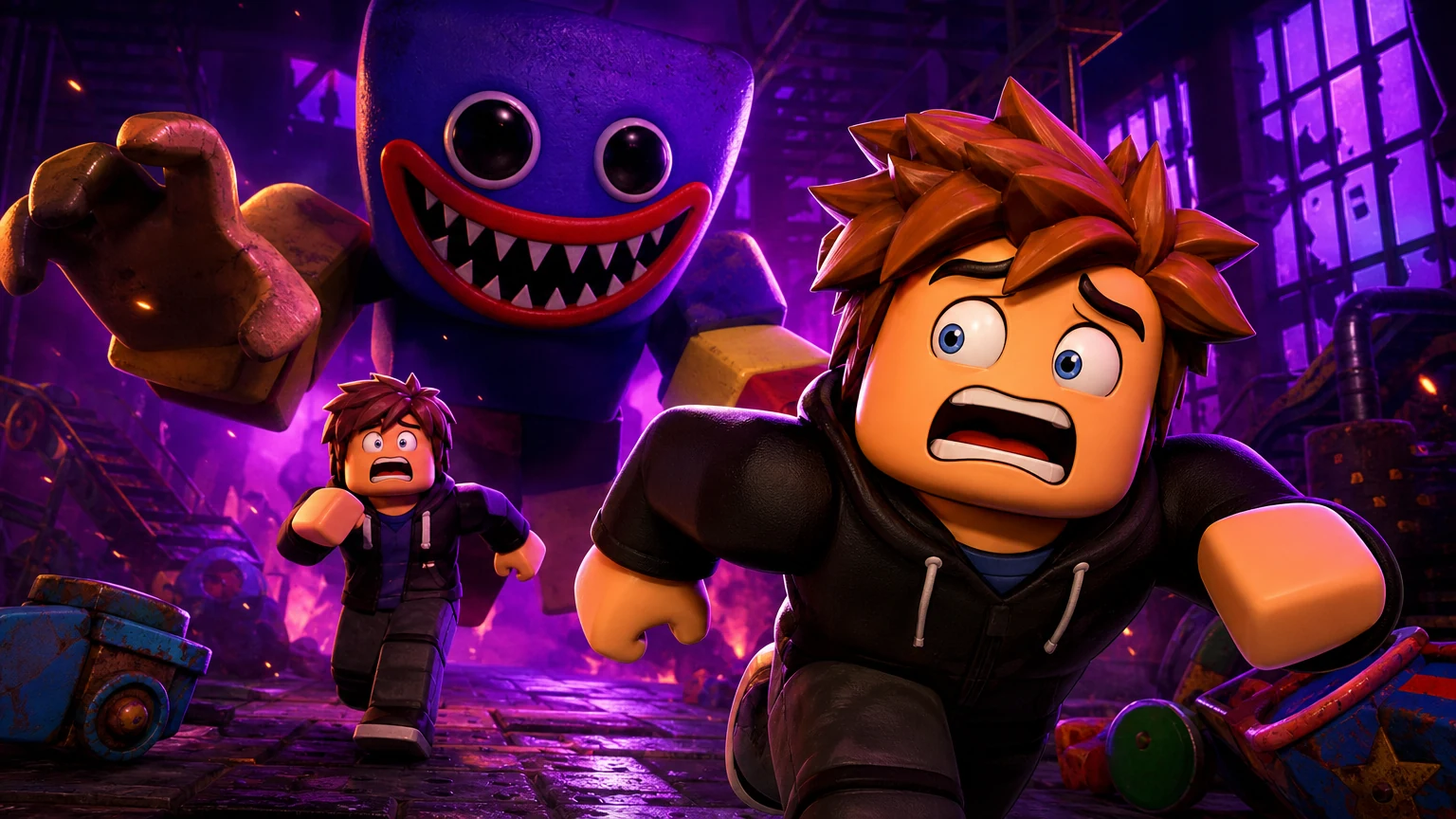
I explored ForgeGUI Roblox with a familiar development problem in mind: the game itself is progressing, but promotional and interface artwork still needs a direction. A useful visual workflow should help resolve that gap.
The Roblox Thumbnail Maker needs to communicate one idea in a small card. The Roblox GUI Generator needs a clear hierarchy. A character concept needs a recognizable identity. ForgeGUI Roblox brings those separate visual decisions into a workflow you can begin without a finished design in hand.
Describe the intended asset, choose its direction, and optionally supply a reference. ForgeGUI Roblox then lets the conversation continue around the result, so an imperfect first version can become the starting point for a focused revision.
The important qualification is unchanged: an AI-generated thumbnail cannot guarantee improved CTR. ForgeGUI Roblox can help produce alternatives to test, but a polished image may still perform worse than a simpler composition with a clearer message.
Review scope: The observations describe ForgeGUI.dev as reviewed August 31, 2026. Check current features, credit costs, and plan conditions when evaluating the workflow today.
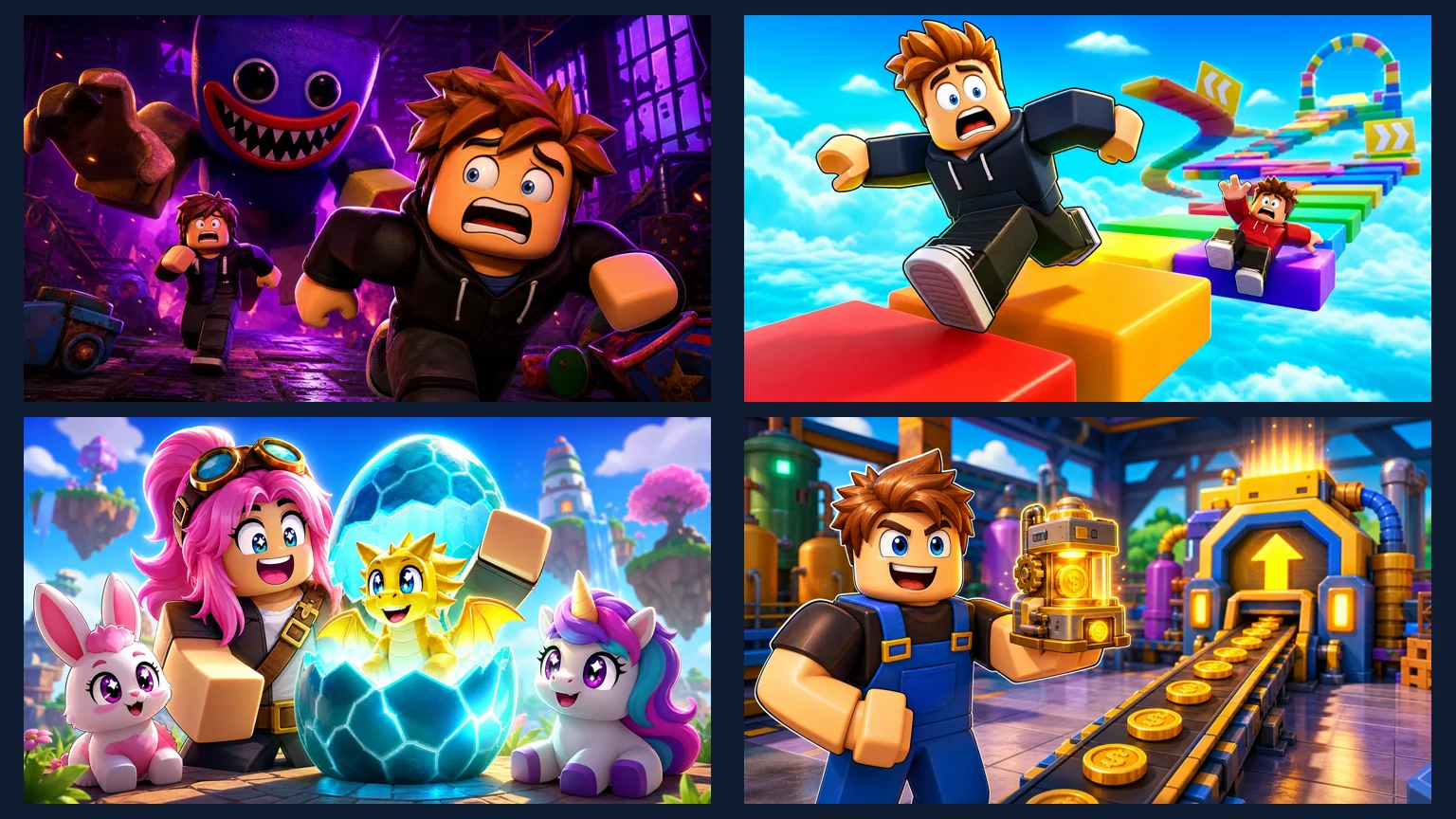
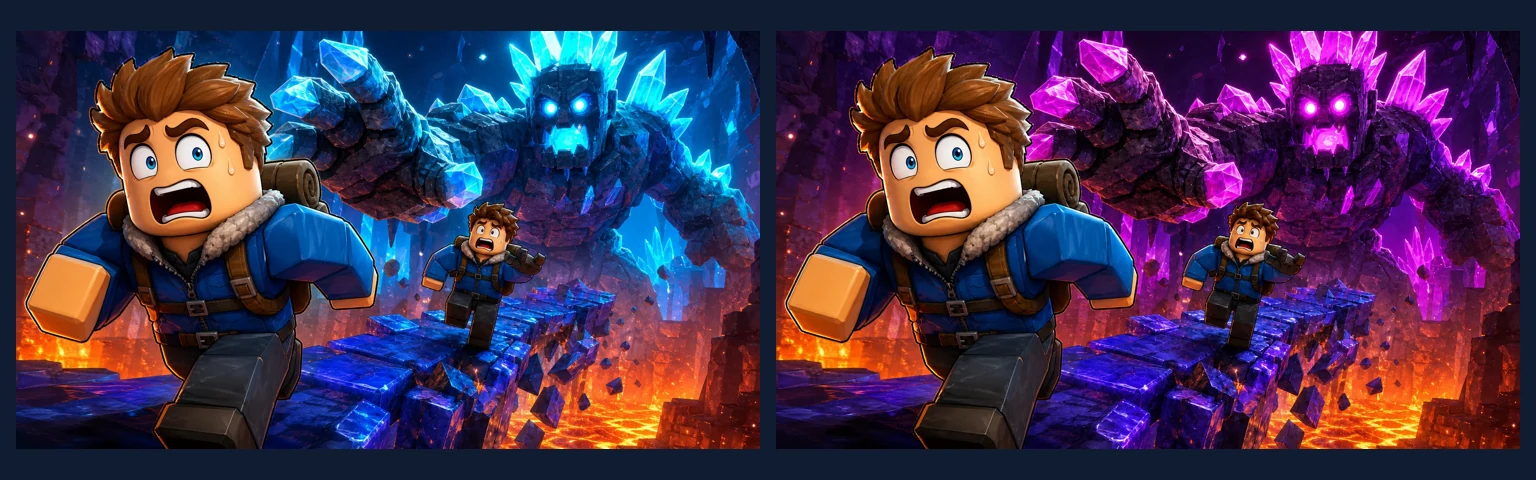
These four images are editorial illustrations prepared for the article, not verified product generations. They demonstrate a readable subject, clear action, and strong card-size contrast relevant to a Roblox Thumbnail Maker brief.
Why Choose ForgeGUI Roblox Over a General Image Workflow?
General image tools can also produce artwork comparable to Roblox GUI Generator concepts.
An attractive image can still miss practical requirements: small characters, realistic proportions, or excessive detail may weaken the discovery-card composition. Correcting those problems requires restating the platform’s visual language. The Roblox Thumbnail Maker gives ForgeGUI Roblox a more focused starting point for that particular composition problem.
Even specialized generators can leave a disconnected process: request, download, then restart when a detail fails. ForgeGUI Roblox is worth examining for the continuity between a brief, its reference, the saved image, and the next correction.
The reviewed ForgeGUI Roblox workspace combines platform presets, reference inputs, continued edits, and saved results with GUI, avatar, and separate 3D modes. It occupies a useful middle ground between a general image tool and a single-purpose thumbnail generator when one game needs several kinds of visual exploration.
That continuity matters more than image generation alone. With ForgeGUI Roblox, the Roblox GUI Generator and other modes can keep decisions connected, giving the next revision context instead of requiring the creator to explain the entire idea again.
Forge GUI began in April 2026. Its September 1 homepage reported 35,702 creators, 19,146 game assets, and over 31 graphic styles. These were first-party counters, not independently audited usage data. They provide dated context for ForgeGUI Roblox rather than permanent evidence of adoption or a promise about the results another creator will receive.
The reviewed menu identified ten engines: GPT Image 2, Seedream V5 Pro, Nano Banana Pro, Nano Banana 2, Qwen Image 3.0, Qwen Image 3.0 Pro, Grok Imagine V2, Krea V2 Turbo, Nano Banana 2 Lite, and Krea V2 Large. ForgeGUI Roblox makes that choice visible. One engine may suit Roblox Thumbnail Maker action scenes, while another handles lettering, references, or the chosen rendering style more effectively.
The Main ForgeGUI Roblox Asset Workflows
Use the Roblox Thumbnail Maker for a Clear Scene
Start the Roblox Thumbnail Maker with a short scene description, platform, and style. Add a reference when it contributes a specific identity or composition. ForgeGUI Roblox turns that brief into a wide 16:9 concept that you can review before developing another version.
Consider this scene brief:
Two blocky explorers running from a smiling laboratory creature, frightened expressions, blue emergency lighting, one clear focal action, wide 16:9 composition, no text.
Name the focal character, visible action, setting, and intended feeling. Those choices give ForgeGUI Roblox a scene to arrange. A long backstory contributes less when the Roblox Thumbnail Maker still cannot identify what the viewer should notice first.
Apply the same discipline to a square icon. The reviewed ForgeGUI Roblox positioning emphasizes thumbnails and GUI rather than an icon-only studio, but the visual test remains useful: communicate one promise clearly. A small icon does not need to explain every mechanic before someone chooses to look closer.
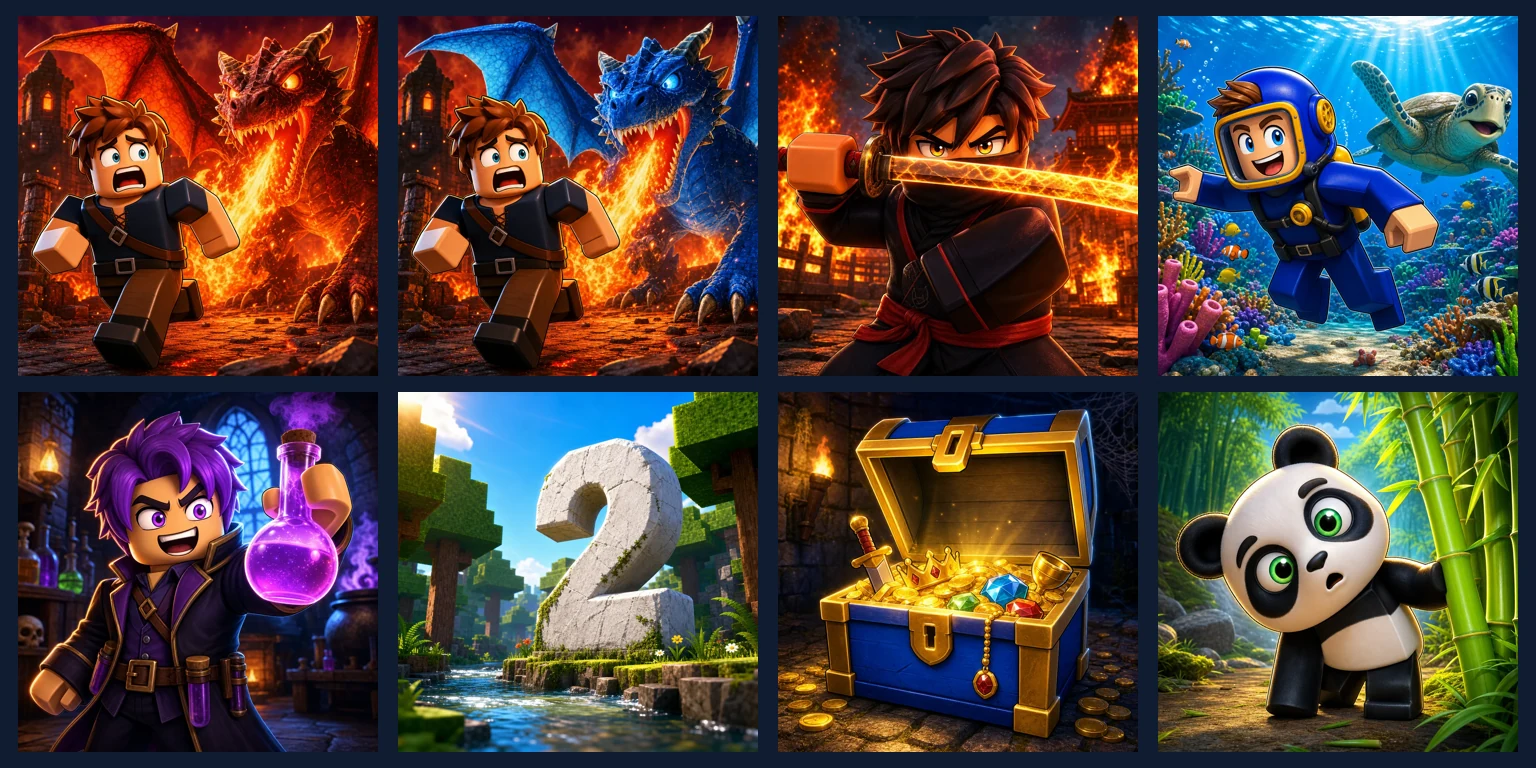
Establish Interface Direction With the Roblox GUI Generator
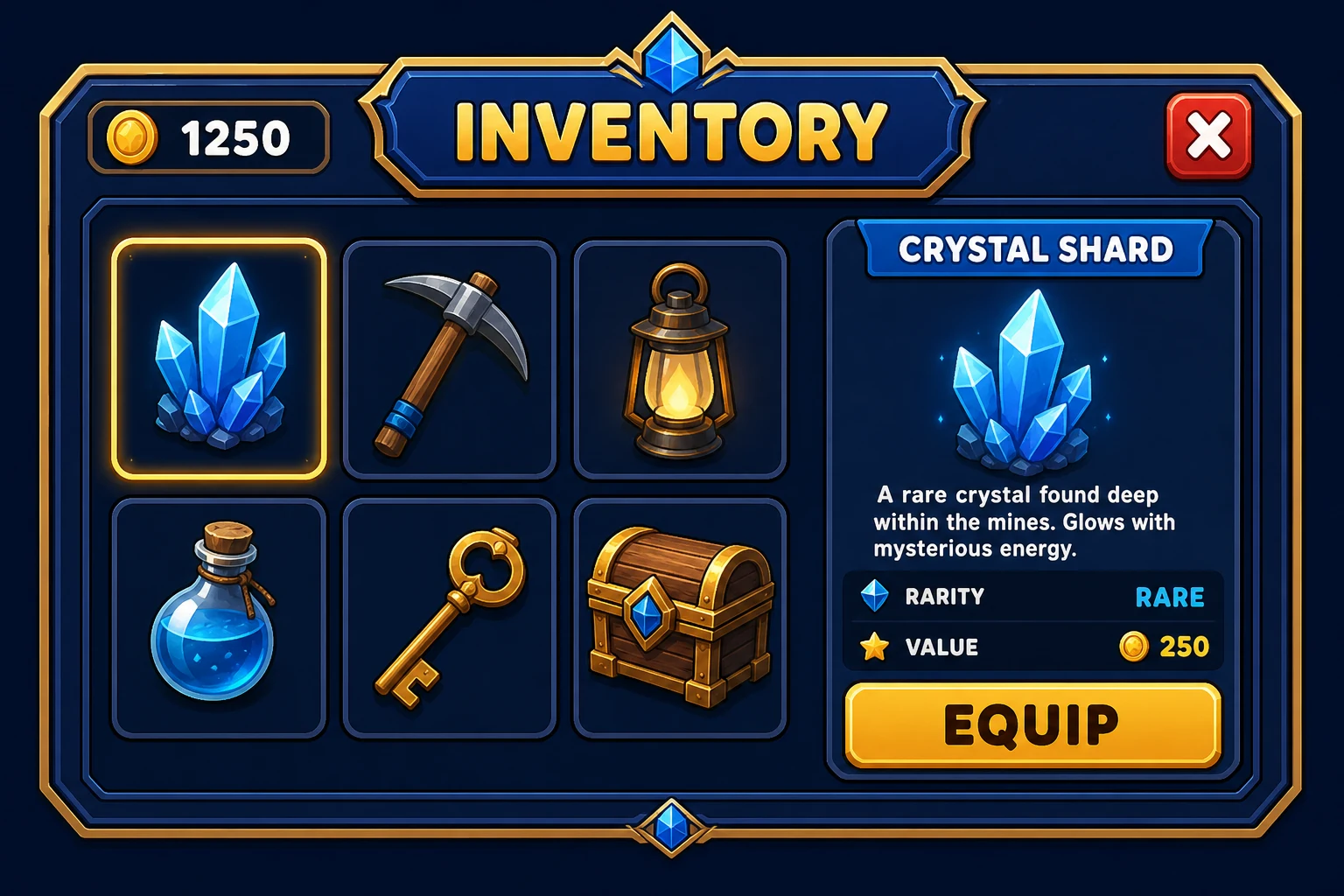
Bring shop, inventory, HUD, settings, or player-stat ideas to the Roblox GUI Generator for a first visible arrangement.
A Roblox GUI Generator inventory request becomes much easier to discuss once the team can see a screen. ForgeGUI Roblox helps expose the main action, rarity treatment, persistent information, and mobile hierarchy. The Roblox GUI Generator gives teammates a common reference when the original brief has not resolved any of those choices.
Rebuild the approved Roblox GUI Generator design as an actual Studio interface. ForgeGUI Roblox supplies a reference; responsive Frames, constraints, accessibility, states, and Luau still need implementation. Record the Roblox GUI Generator's useful design decisions, then implement and test them with the devices and controls your players will use.
Current connections: ForgeGUI Roblox plugin for image imports; ForgeGUI MCP for assistant-led creation.
Explore Characters and Initial 3D Assets
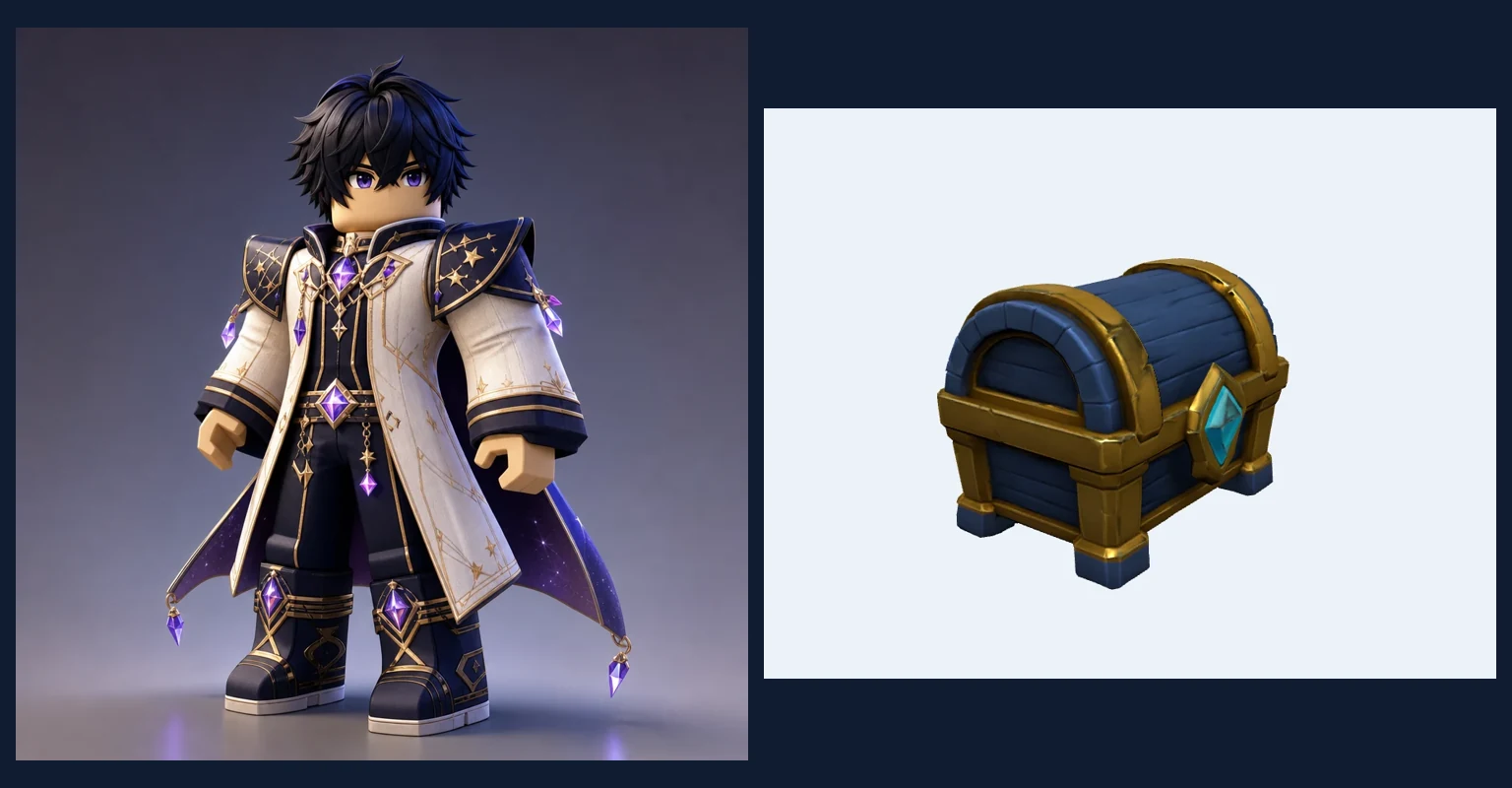
Use the avatar workspace to compare identities before commissioning assets or choosing catalog pieces. ForgeGUI Roblox combines clothing, hair, accessories, footwear, color, and silhouette so you can judge their readability together in one full-body concept.
The 3D workflow develops a text brief into an isolated subject reference, reconstructs that image, and returns a textured GLB. ForgeGUI Roblox exposes browser inspection and download so the initial model can be evaluated before its production handoff.
Request one robot, mascot, chest, tool, or character. Inspect the ForgeGUI Roblox model for topology, polygons, scale, pivot, collisions, textures, and rigging requirements. Rotate it to check unseen surfaces. A textured GLB still needs to meet your target experience’s production requirements.
A Repeatable ForgeGUI Roblox Review Process
Use the first ForgeGUI Roblox result to identify the next decision.
- Assign one purpose. Give the Roblox Thumbnail Maker an escape story rather than a request for generic game art.
- Name visible details. Specify the subject, action, environment, emotion, viewpoint, and constraints.
- Explain each reference. Tell ForgeGUI Roblox whether it establishes color, identity, clothing, composition, or interface styling.
- Resolve one issue. Approve the story before changing crop, hierarchy, lighting, and small details.
- Inspect the real display. Shrink thumbnails, check Roblox GUI Generator concepts in a phone frame, and rotate models to examine their backs.
Organize the prompt using this sequence:
[main subject]
+ [clear action]
+ [setting]
+ [emotion]
+ [camera/composition]
+ [style direction]
+ [must keep]
+ [must avoid]
Concrete Roblox GUI Generator instructions give ForgeGUI Roblox a visible task and make the result easier to judge.
Compare ForgeGUI Roblox With Other Creation Tools
ForgeGUI Roblox Workspace
- Best use: Keep related game-asset briefs in one workspace.
- Platform direction: Roblox-oriented choices are available in the product.
- Revisions: Continue the current result.
- Outputs: Thumbnails, Roblox GUI Generator artwork, avatars, and GLB drafts.
- Remaining work: Review the asset and complete its implementation in Studio.
ChatGPT Images
- Best use: Flexible image creation and modification across many subjects.
- Platform direction: Explain Roblox conventions in the request.
- Revisions: Conversational changes and selected-area edits.
- Outputs: A broad range of image tasks.
- Remaining work: Check whether the composition still follows the intended platform style.
Midjourney
- Best use: Explore aesthetics and alternate visual treatments.
- Platform direction: Provide the Roblox requirements yourself.
- Revisions: References, variations, Remix, and editor tools.
- Outputs: Image generation and iterative art exploration.
- Remaining work: Adapt the result to a Roblox production workflow.
Forge UI and GFX Forge
- Forge UI: Follow a guided browser request across thumbnail, GUI, avatar, and 3D modes with platform presets and one result.
- GFX Forge: Explore visual game assets using references, saved history, continued edits, and several asset modes.
- Best use: Explore Roblox GUI Generator-style concepts before implementation.
- Remaining work: Compare model transparency with ForgeGUI Roblox, whose reviewed menu explicitly named ten image choices.
Forge UI offers the simpler guided browser route. GFX Forge supplies another visual-first workflow for comparing thumbnails, interfaces, characters, and early 3D directions. Those specific products provide a more useful ForgeGUI Roblox comparison than treating every unspecified game-art generator as one identical alternative.
Select around the actual task. ChatGPT offers broad flexibility, Midjourney supports aesthetic exploration, and a narrow tool may suit one icon. ForgeGUI Roblox becomes more compelling when the game-specific sequence of decisions matters more than having the widest possible range of image tasks.
Compare Roblox Thumbnail Maker and Roblox GUI Generator outputs, including the production work remaining.
Credits and Plans for ForgeGUI Roblox
Starting credits, daily rewards, and a referral reward let creators explore ForgeGUI Roblox image generation before choosing a paid allowance.
The reviewed standard image price was 10 credits. Paid options listed monthly allowances, private generation, watermark-free high-resolution downloads, and commercial-use workflow benefits. ForgeGUI Roblox 3D tasks required an active paid subscription and 80 credits each. Distinguish that model cost from the cost of trying a new image concept.
Verify the live pricing page when budgeting ForgeGUI Roblox work; older screenshots may describe different offers or plan conditions.
| Plan | Annual-equivalent price | Monthly credits | Standard image outputs |
|---|---|---|---|
| Starter | $9.90/month | 1,000 | 100 |
| Pro | $19.90/month | 4,000 | 400 |
| Studio | $49.90/month | 10,000 | 1,000 |
The reviewed monthly prices were $14.90, $39.90, and $99.90. Annual subscriptions charged once while releasing credits monthly. At 80 credits, one ForgeGUI Roblox 3D attempt cost as much as eight standard images. That comparison explains the allowance consumed, not the amount of finished work delivered. Eight image drafts are not equivalent to a production-ready model, so include review and cleanup in the project budget.
What Still Needs Review in ForgeGUI Roblox
The reviewed limitations concern how first drafts become usable assets. Give ForgeGUI Roblox focused briefs and a clear review process; inspect each output rather than assuming the generator has resolved the whole production task.
- Simplify a crowded request. Multiple characters, interface lettering, effects, and background events can compete for attention. Start ForgeGUI Roblox with the principal action, then introduce supporting elements. In the Roblox Thumbnail Maker, judge whether every addition helps the scene read. Better multi-subject controls could reduce this correction work, but review the result available today.
- Check recurring identities. A reference may preserve the character while small outfit or accessory details vary. Keep a compact character sheet and identify three features that must remain stable across ForgeGUI Roblox campaign images. Compare those details before approval; dependable future character-lock tools would be an improvement, not an assumed present guarantee.
- Implement interface behavior separately. Roblox GUI Generator images establish hierarchy, colors, panels, and emphasis. They do not substitute for responsive Frames or Luau. Document the approved visual choices for the developer, including the states still to build. A future component export or clearer Studio handoff could reduce that gap.
- Inspect the GLB technically. Check scale, pivot, material assignments, collisions, and rear surfaces before importing the ForgeGUI Roblox model. These are ordinary handoff requirements. Browser validation could make them easier to find in future, but the current preview still deserves a deliberate inspection before the asset enters production.
References require permission as well as visual relevance. Use material you own or may reuse, and develop a distinct result rather than treating public visibility as authorization. This applies to ForgeGUI Roblox just as it does to other design workflows and commissioned artwork.
Before publishing a ForgeGUI Roblox image, ask someone unfamiliar with the pitch what game it suggests. An unclear answer identifies a revision worth making. The Roblox Thumbnail Maker can support that focused correction while preserving the strongest parts of the existing direction instead of restarting the entire composition.
ForgeGUI Roblox Questions
What distinguishes ForgeGUI Roblox from general image platforms?
ForgeGUI Roblox packages platform and style choices, guided briefs, connected history, GUI and avatar modes, and a separate reference-to-GLB pipeline around game creation. General tools such as ChatGPT and Midjourney cover a wider range of image tasks.
Does ForgeGUI Roblox promise a better click-through rate?
No. The Roblox Thumbnail Maker helps develop directions you can test. Results depend on the audience, game, placement, competing experiences, and whether the art accurately communicates what players will receive.
Which other visual platforms are supported?
ForgeGUI Roblox is the primary focus, with Minecraft, Unity, and Fortnite-inspired image directions also available. Those presets describe visual guidance rather than partnerships with the named platforms.
Is Roblox GUI Generator output an implemented interface?
The Roblox GUI Generator supplies the mockup. Build responsive layout and interactive behavior in Studio, then test the resulting screen.
What file should I expect from 3D generation?
ForgeGUI Roblox describes a textured GLB produced through reference generation and reconstruction. Inspect the model and perform any optimization required by the engine, project, and intended use.
Is the service officially affiliated with Roblox?
ForgeGUI.dev identifies itself as an independent tool without affiliation to Roblox or the other platforms mentioned on the site. Platform presets do not change that relationship.
Where ForgeGUI Roblox Fits in a Small Team
The useful question is how ForgeGUI Roblox organizes the work around an image, since image generation itself is widely available.
Begin with a rough idea, add platform-aware direction and references, revise the output, save the result, and change asset modes when the task changes. ForgeGUI Roblox connects those often awkward transitions so a creator can keep developing the visual brief instead of repeatedly reconstructing its context.
Solo developers and small teams can use that continuity to resolve an artwork bottleneck. Keep the essential human checks: describe the game accurately, inspect outputs, rebuild assets that need production behavior, and test promotional choices with actual players rather than judging them only in the workspace.
Start creating with ForgeGUI using one concrete project brief and evaluate the resulting workflow.
Test ForgeGUI Roblox with crowded scenes, mobile HUDs, recurring characters, and unseen model surfaces. Those difficult production cases reveal more than carefully selected demonstration prompts.